


¿Qué quieres crear hoy?
Trending
Giant Hand Squish Effect
AI Baby Podcast Generator
Human vs Bull Video Generator
Skydiving Video Generator
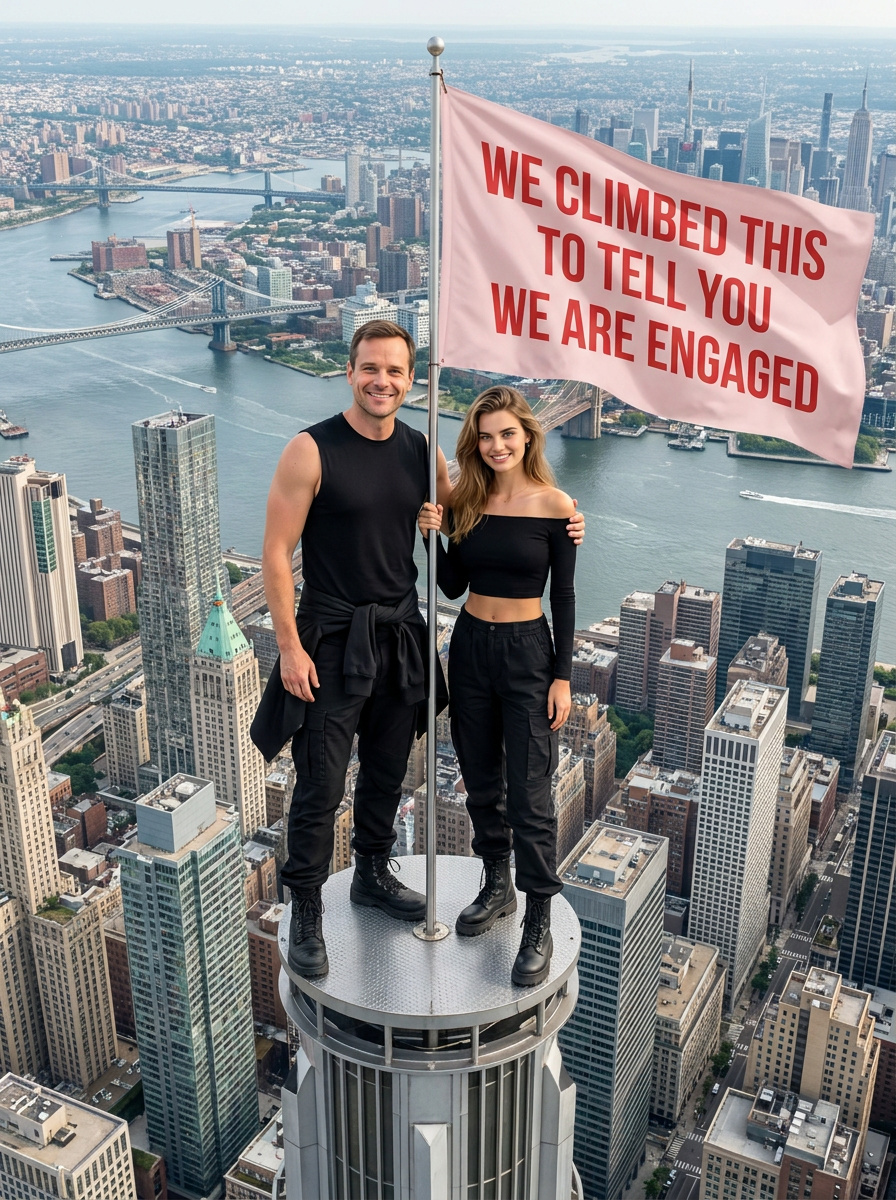
Empire State Building Engagement Poster Generator
All Men Are Liars Flag Video Generator
Spider-Man Effect Video Generator
Dive Transition Effect
Chongqing Landing Visa Effect
Graduation Video Generator
F1 Control Room AI Video Generator
Concert Screen Idol Video Generator
Bicycle Kick Goal Effect
Clay Court Tennis Player Effect
Recommend
Racer

AI Dog Generator
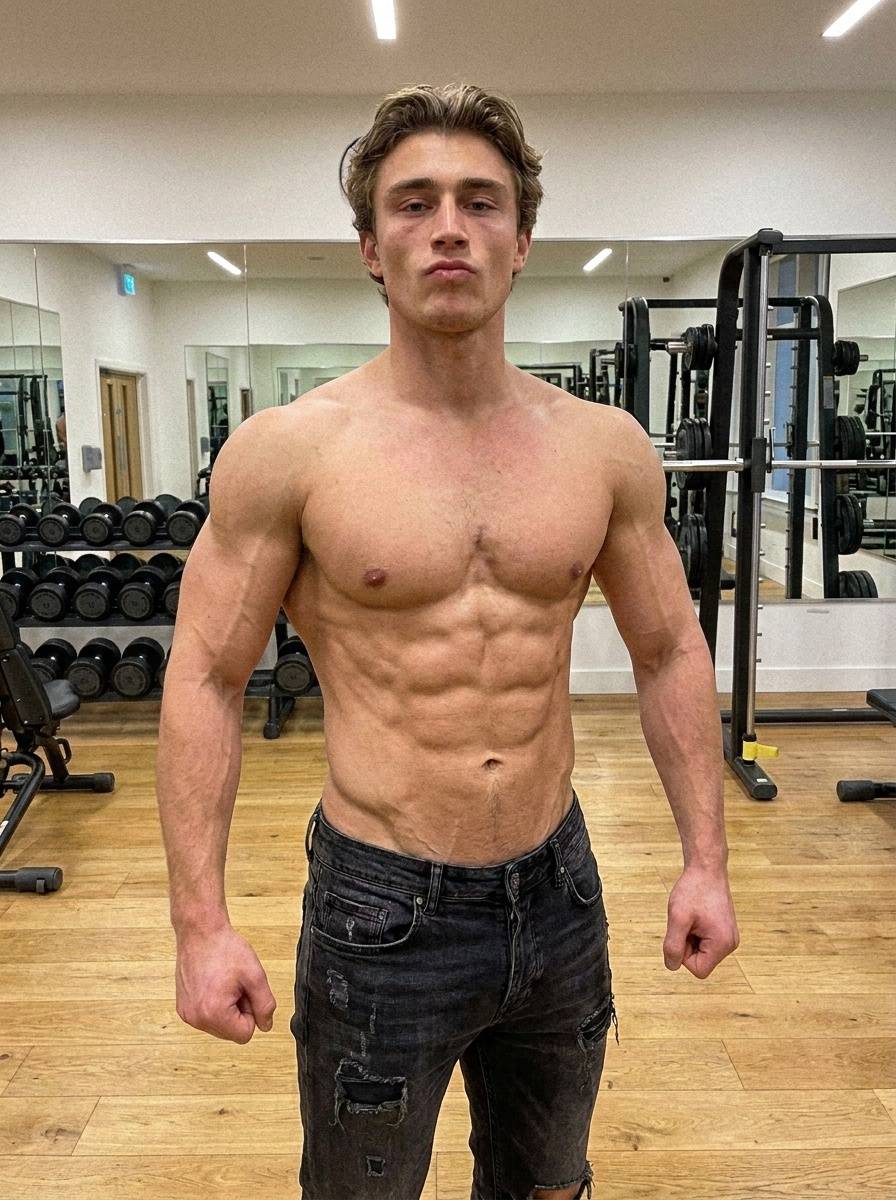
Muscle Generator
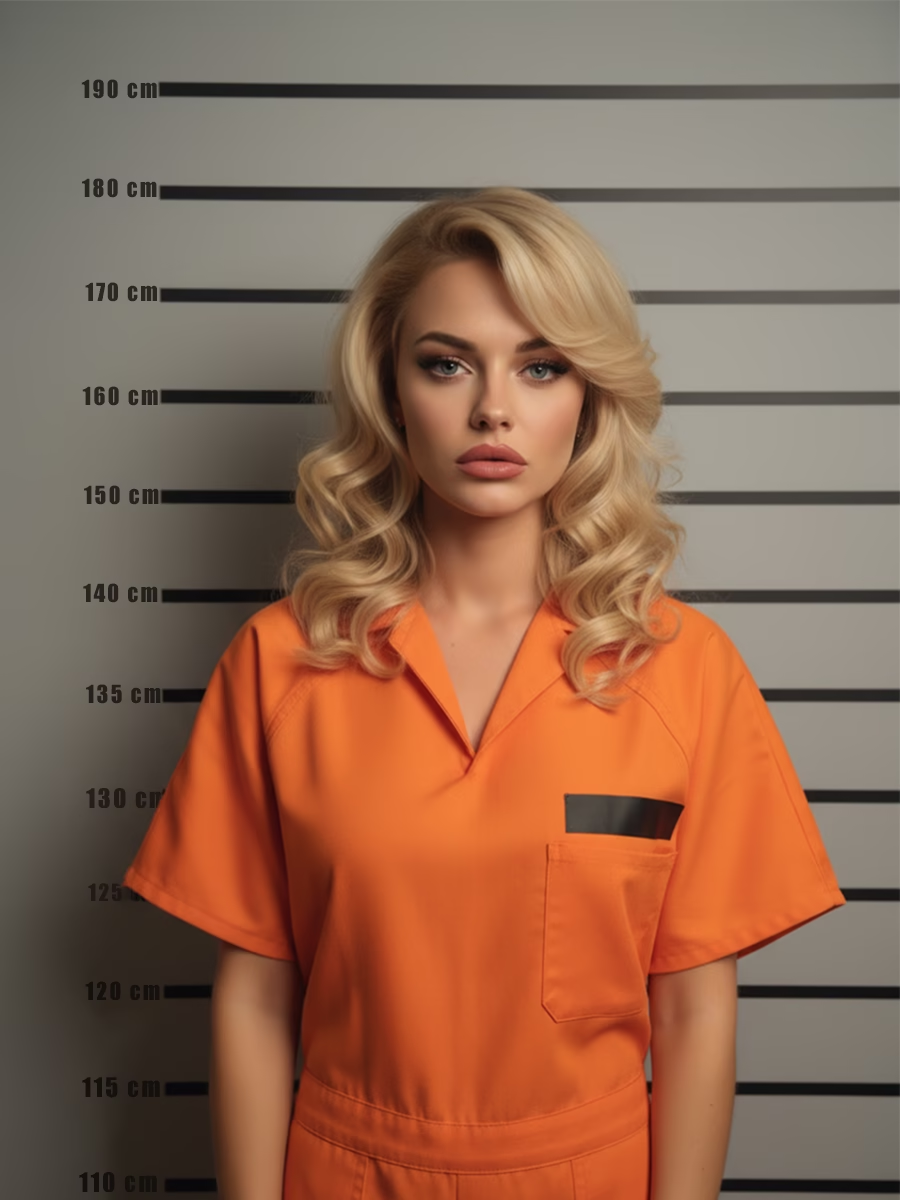
AI Mugshot Generator
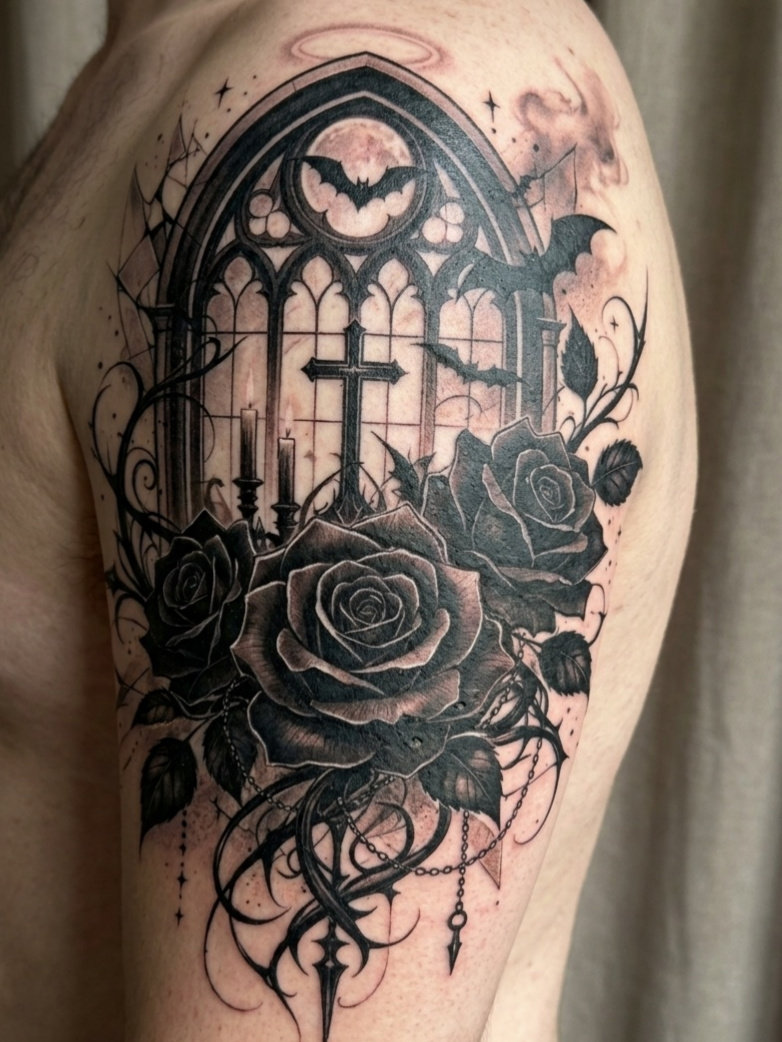
AI Tattoo Generator
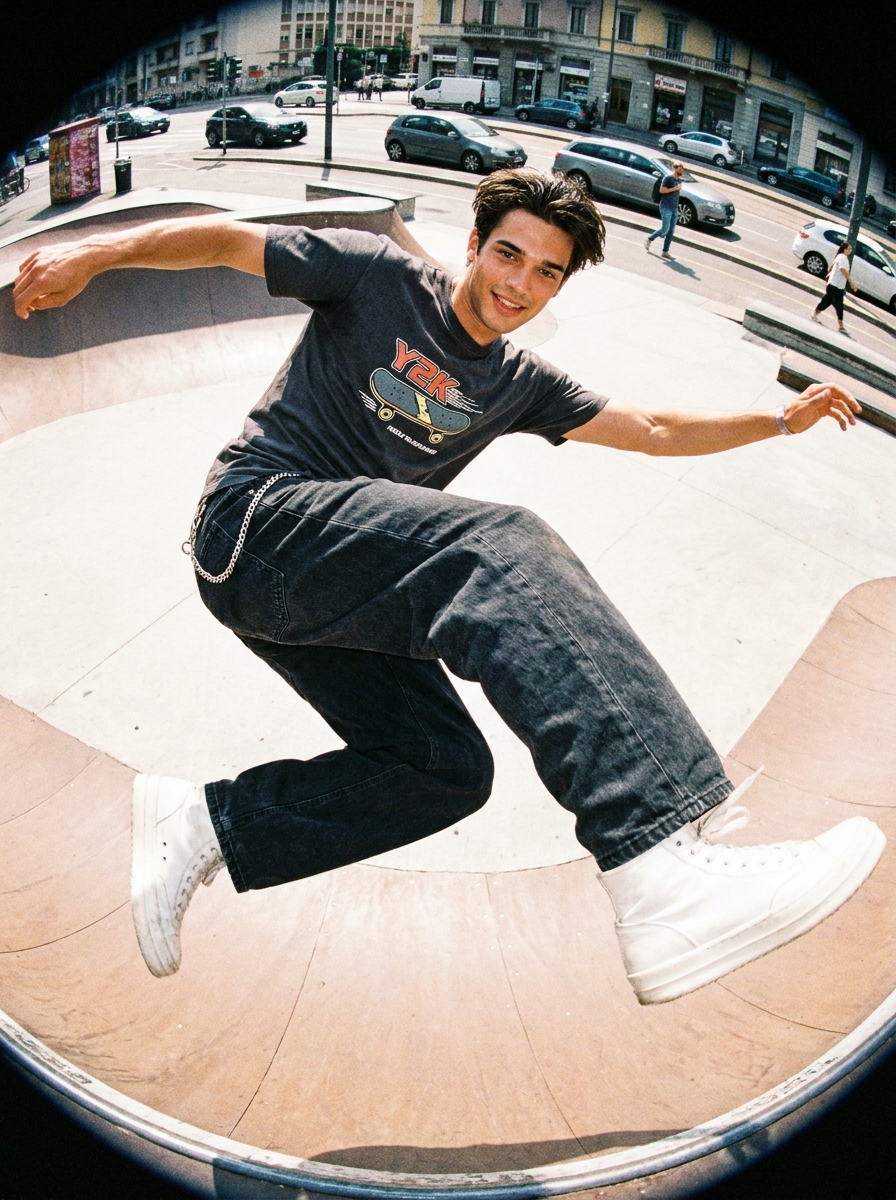
Y2K Fisheye Filter
AI Backflip Video Generator
AI Ice Sculpture Video Generator
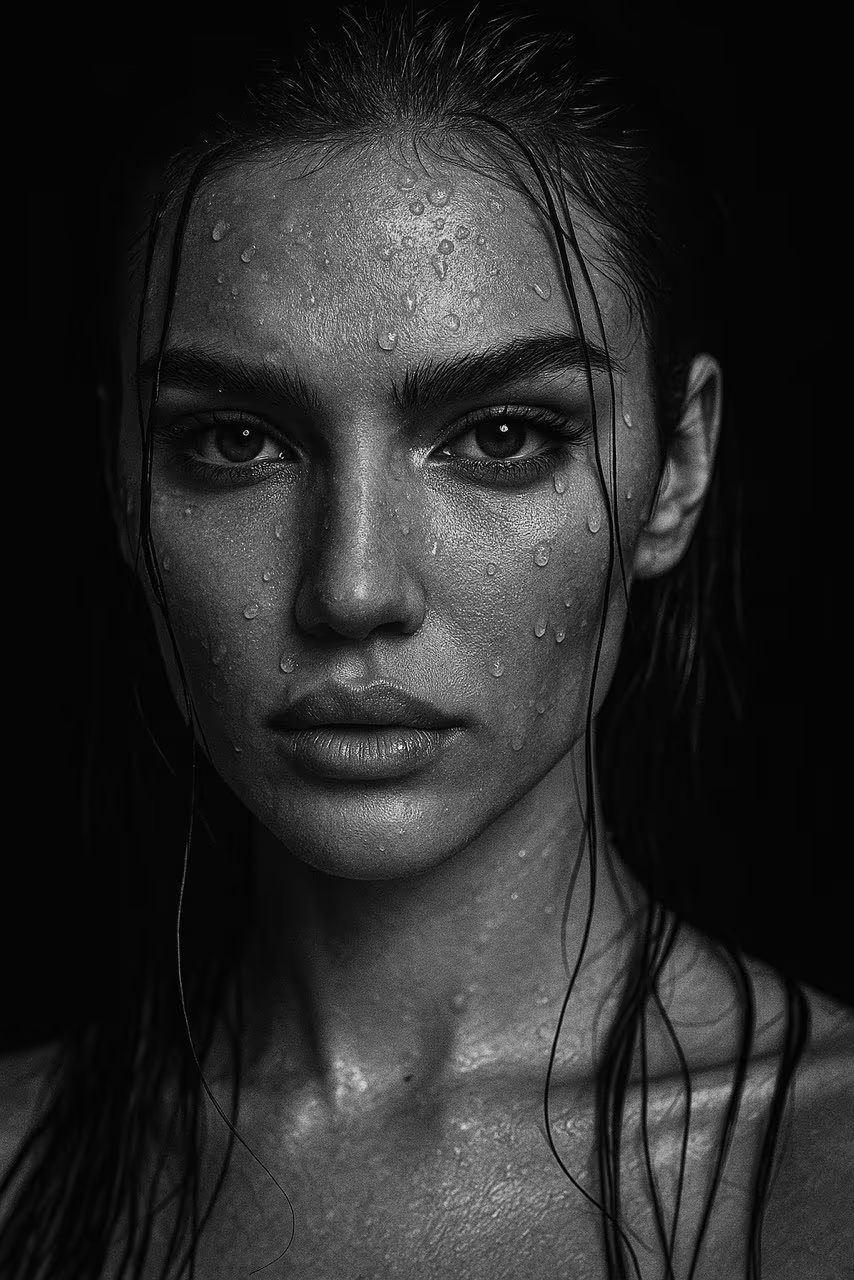
Black-and-white portrait
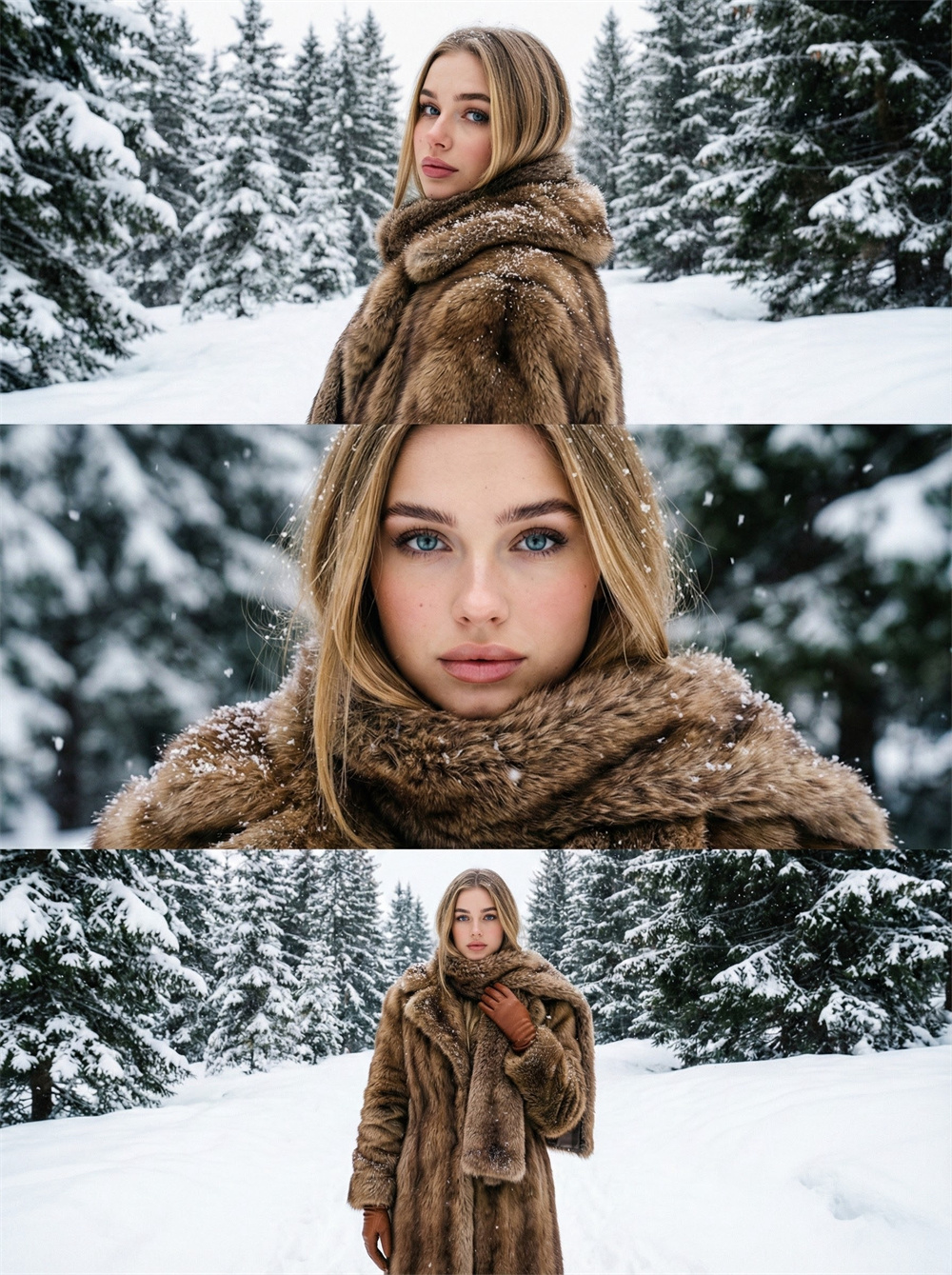
AI Snowy Forest Generator

AI Silent Portrait Generator
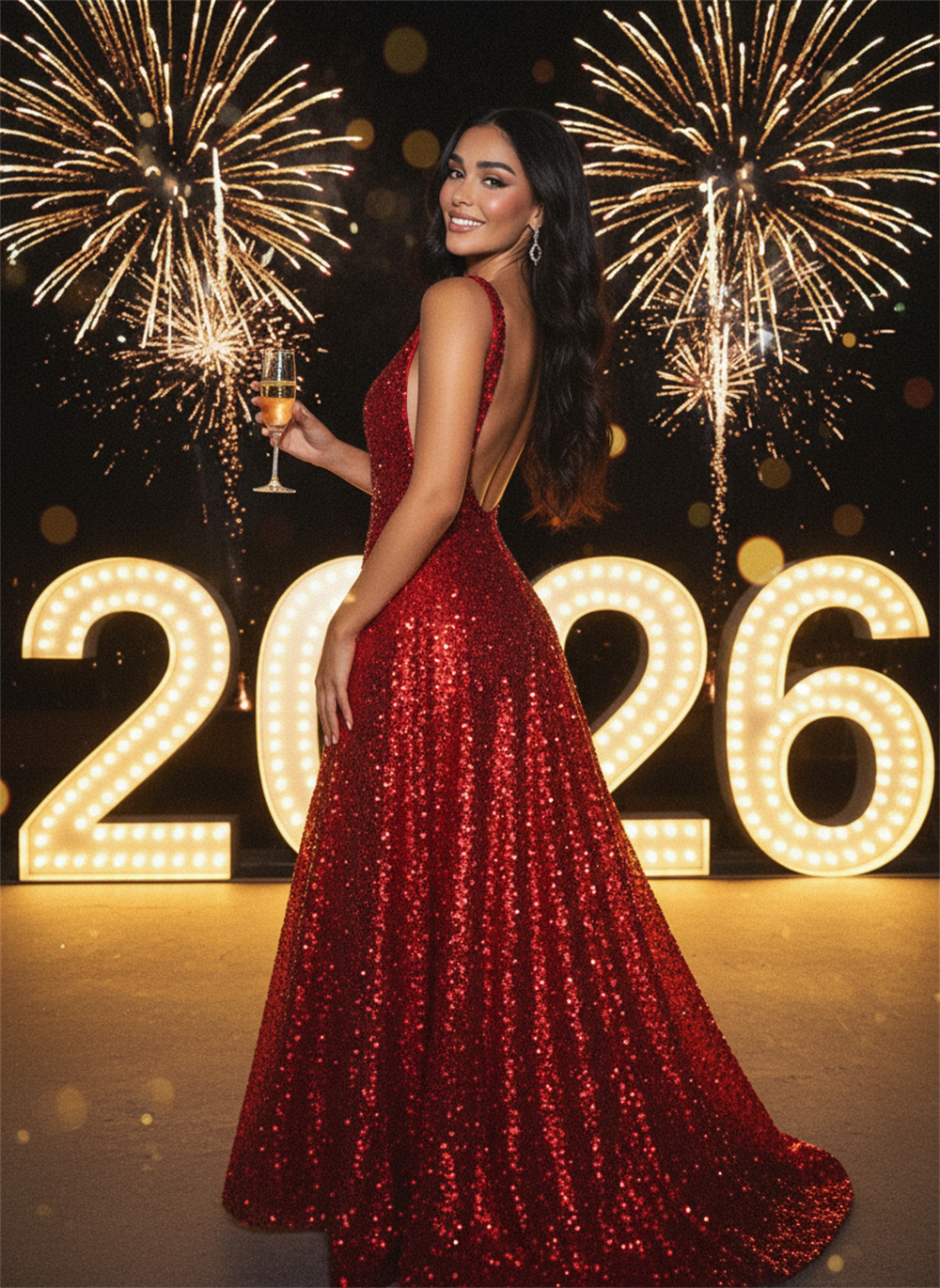
AI Fireworks 2026 Generator
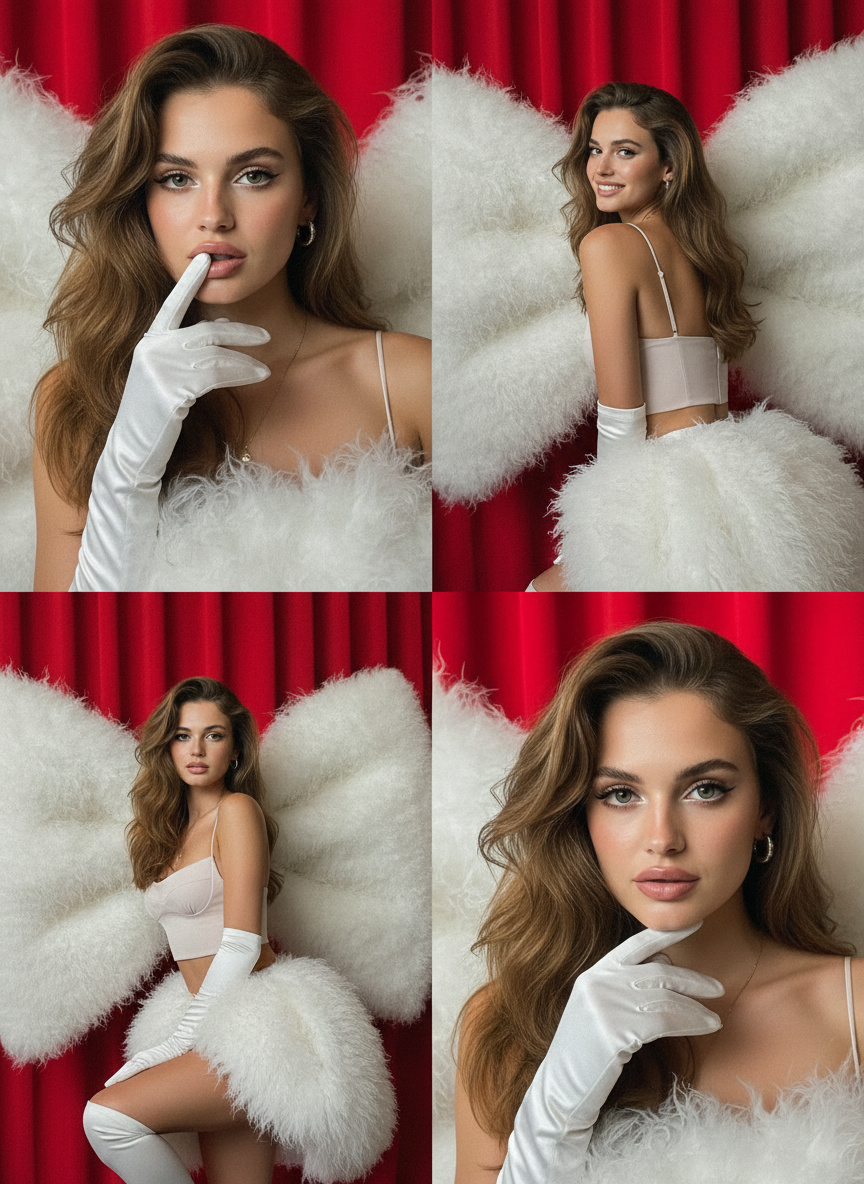
AI New Year's Eve performance Generator
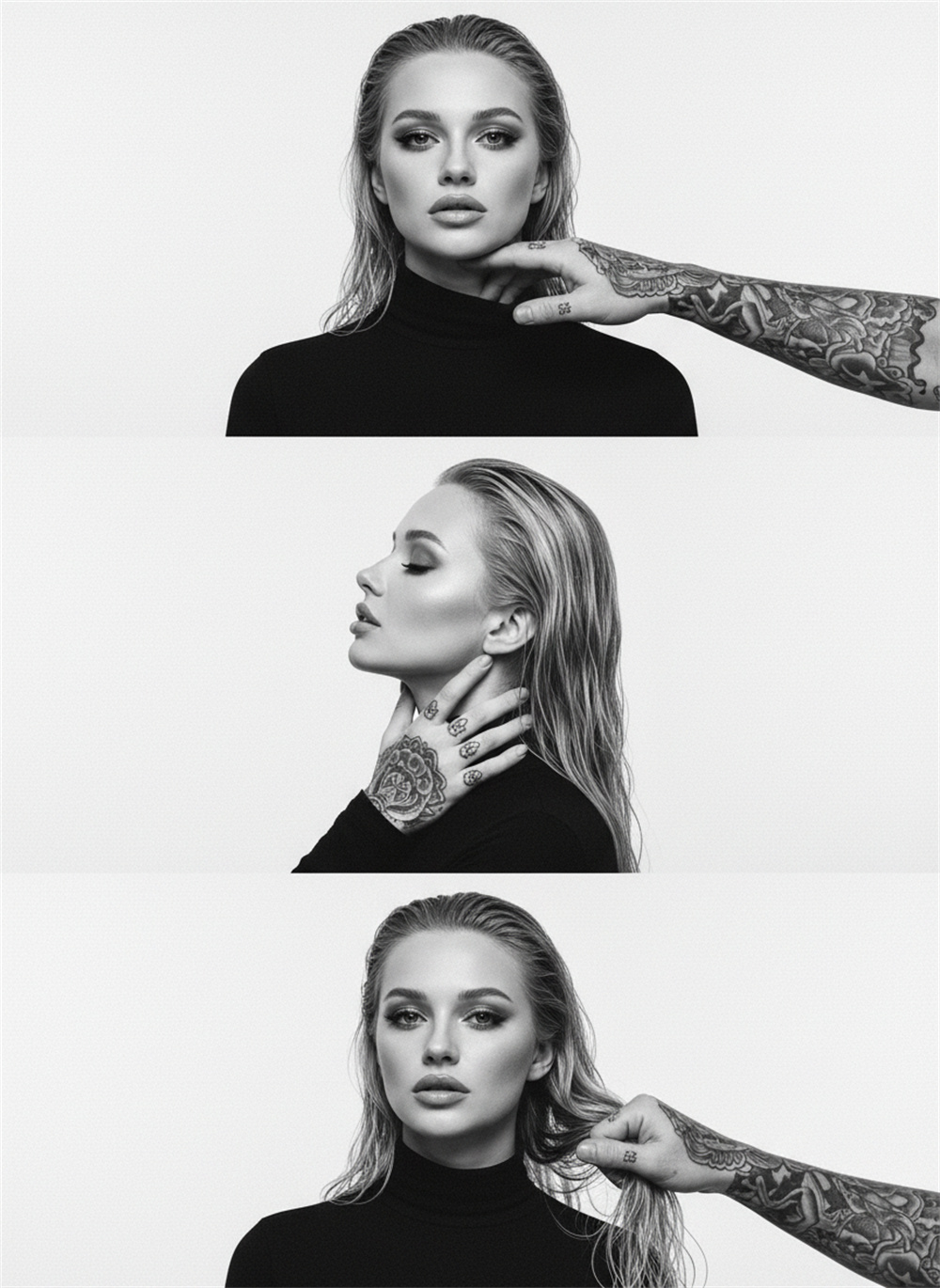
AI Black and White Triple Stitch Generator
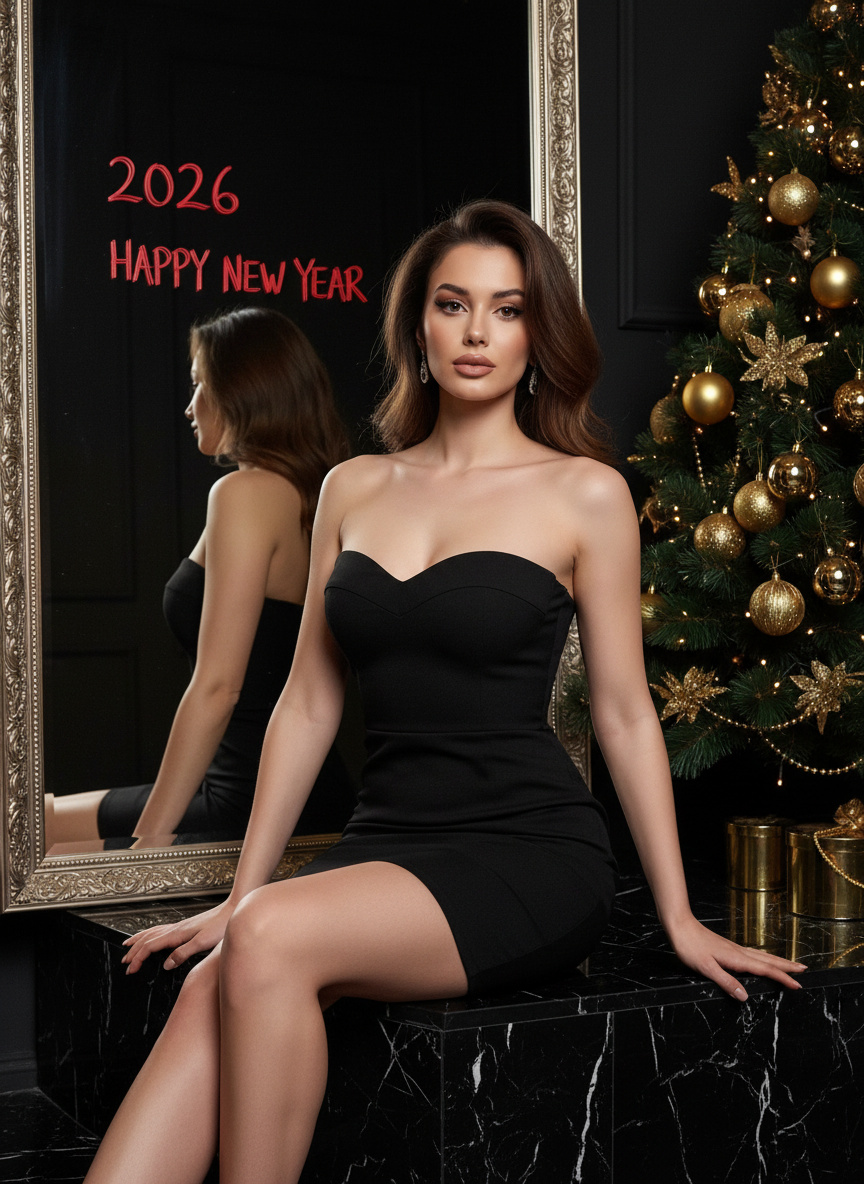
AI 2026 is Coming Generator
Cotor x Seedance 2.0
Street-film vibe
Game loading
Kung Fu
Doomsday Mech Generator
Black Warrior
AI Backflip Video Generator
AI Ice Sculpture Video Generator
Best AI blowing steam Generator
AI Become Werewolf Generator
AI blowing steam Generator
AI Earthquake collapse Generator
Best Al Earthquake collapse Generator
AI eggplant slices generator
AI Multiple Me Generator
AI turns to stone
Preguntas frecuentes del generador de imágenes y videos con IA
¿Qué hace diferente a Cotor?+
Cotor reúne la generación de videos e imágenes con IA en un solo espacio de trabajo para que puedas pasar más rápido de una idea a un recurso terminado, con plantillas, herramientas de prompts y flujos pensados para creadores.
¿Cómo funciona el flujo de creación con IA?+
Empieza con un prompt o una imagen, ajusta el modelo y la configuración, y después abre el generador adecuado para previsualizar y crear el resultado final.
¿Puedo explorar más ajustes preestablecidos?+
Sí. La vista previa de cada categoría del espacio de trabajo muestra una selección de contenidos; usa Ver todo para abrir la colección completa de plantillas de esa categoría.
¿Con qué herramientas puedo empezar?+
Puedes empezar con Texto a vídeo, Imagen a vídeo, Texto a imagen o Imagen a imagen, o ir directamente a las plantillas para comenzar más rápido.
¿Necesito herramientas separadas para crear videos e imágenes?+
No. El espacio de trabajo te permite cambiar entre los flujos de video e imagen con IA sin salir de la experiencia principal; solo tienes que abrir una herramienta especializada cuando necesites controles más avanzados.
¿Puedo usar plantillas antes de escribir mi propio prompt?+
Sí. Las plantillas son un punto de partida rápido si quieres consultar ejemplos, seguir una dirección preestablecida o usar ideas de prompts más estructuradas antes de crear tu propio flujo desde cero.
¿El espacio de trabajo es útil para hacer pruebas rápidas?+
Sí. Está diseñado para explorar con rapidez, de modo que puedas probar prompts, comparar herramientas y pasar al generador más adecuado para tu caso sin configuraciones adicionales.