


Duration
10s
Resolution
720P
Model
Seedance 2.0
Create Realistic Talking Baby Podcast Videos With AI Voices
Turn real baby moments into engaging podcast-style videos with Cotor. Add natural voices, expressive facial movements, and smooth lip-sync effects to create adorable talking baby videos. Perfect for family memories, fun content, and personalized video creations with an easy AI-powered experience.
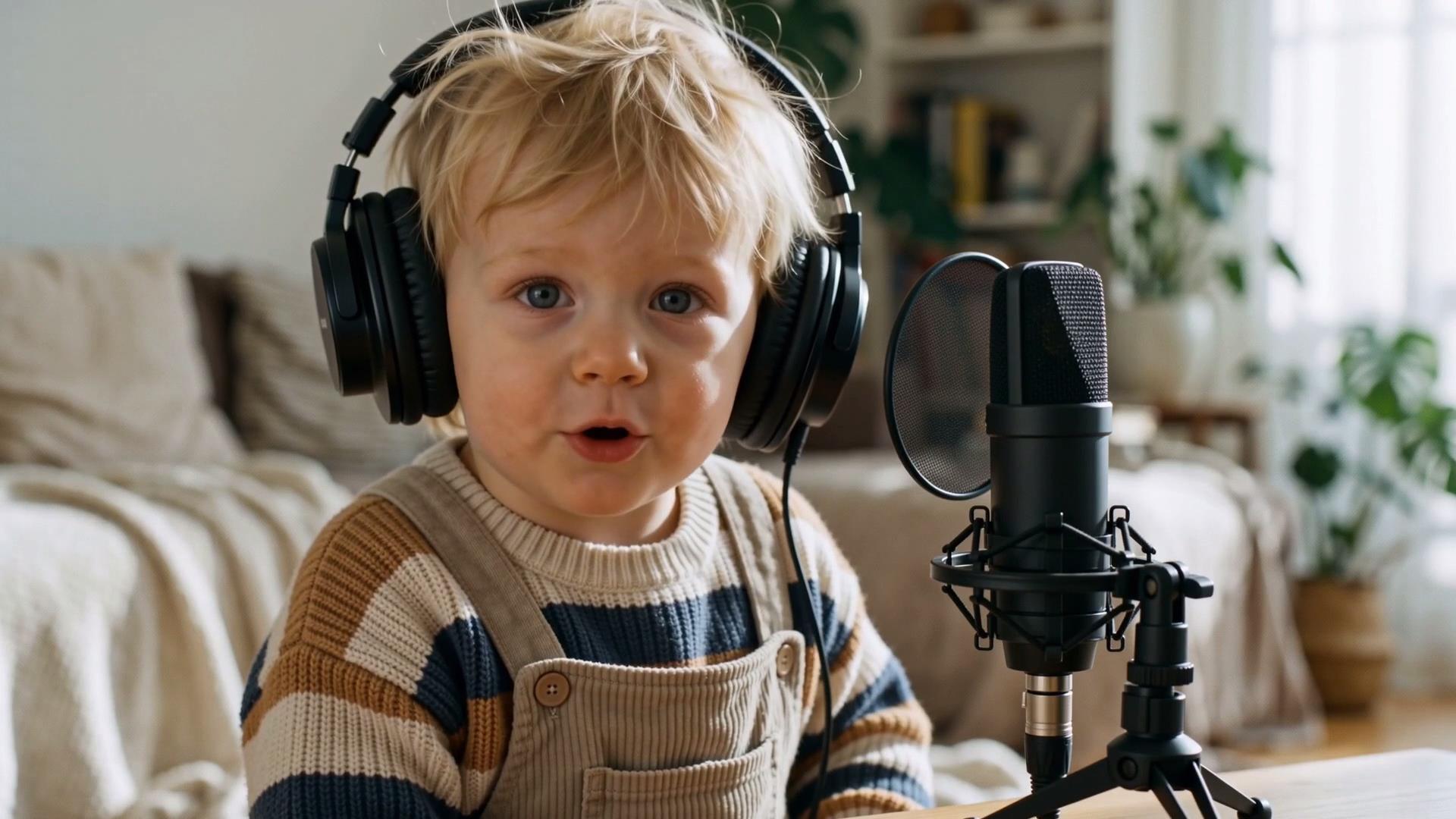
A Baby That Really Talks
See how a simple baby image becomes a lively podcast-style video with natural voices, matching lip movements, and expressive reactions. Create a more engaging way to capture baby moments with realistic talking effects and smooth animation.
Every Expression Feels Alive
From facial movements to voice timing, every detail is designed to create a natural talking experience. The generated video captures realistic expressions and smooth interactions, making baby conversations feel more vivid and believable.
Shape Every Unique Expression
Customize the way baby videos speak and perform with different scripts, voices, and styles. Create expressive talking videos that match different moods, occasions, and creative needs with a simple AI-powered experience.
How to Generate Baby Podcast Video With Cotor AI
Upload Baby Image
Upload a baby image to start creating a talking video.
Generate Video
Let AI turn your image into a realistic talking baby video.
Download Video
Download the generated baby podcast video.
Explore More AI Video Creation Tools
FAQ
What is the AI Baby Podcast Generator?
AI Baby Podcast Generator turns baby images into talking videos with natural voice effects, lip-sync, and facial expressions. It transforms a simple image into a podcast-style video experience with more realistic and engaging interactions.
How do I create a talking baby video?
Creating a talking baby video is simple. Upload a baby image, and Cotor automatically generates a video with synchronized expressions, natural movements, and talking effects without requiring any editing experience.
What type of baby images work best?
Clear, front-facing baby images with visible facial features usually create better results. Images with good lighting and no major obstructions help generate more natural expressions and smoother talking effects. If you want to prepare more suitable image materials, you can explore our AI Image Generator feature for creating high-quality visuals.
Can I use a real baby photo for the AI Baby Podcast Generator?
Yes. The AI Baby Podcast Generator supports real baby photos and preserves their original appearance while adding talking effects, voice expression, and natural facial movements. It is designed to transform real moments into dynamic video experiences.
How long does it take to generate an AI Baby Podcast video?
Generation time depends on the video content and processing speed. After uploading your image, Cotor automatically processes the animation and creates the finished talking baby podcast video.
Can I use the AI Baby Podcast Generator for free?
Cotor offers free credits for users to try AI video generation. You can start creating after registering an account, while advanced features and additional generation capacity are available through upgraded plans.
Are uploaded baby images safe?
Cotor values user privacy and handles uploaded images according to its privacy standards. Your content is processed securely so you can create AI Baby Podcast Generator videos with confidence.