


Template
Ghibli AI Generator
Upload an image to start your template-based generation.
Click to upload an image
Supports JPG, PNG, WebP up to 10MB
AI Image
Image to Image
Aspect Ratio
3:4 720*960 General
Resolution
3Standard Definition: 1K
Model
Dreamina
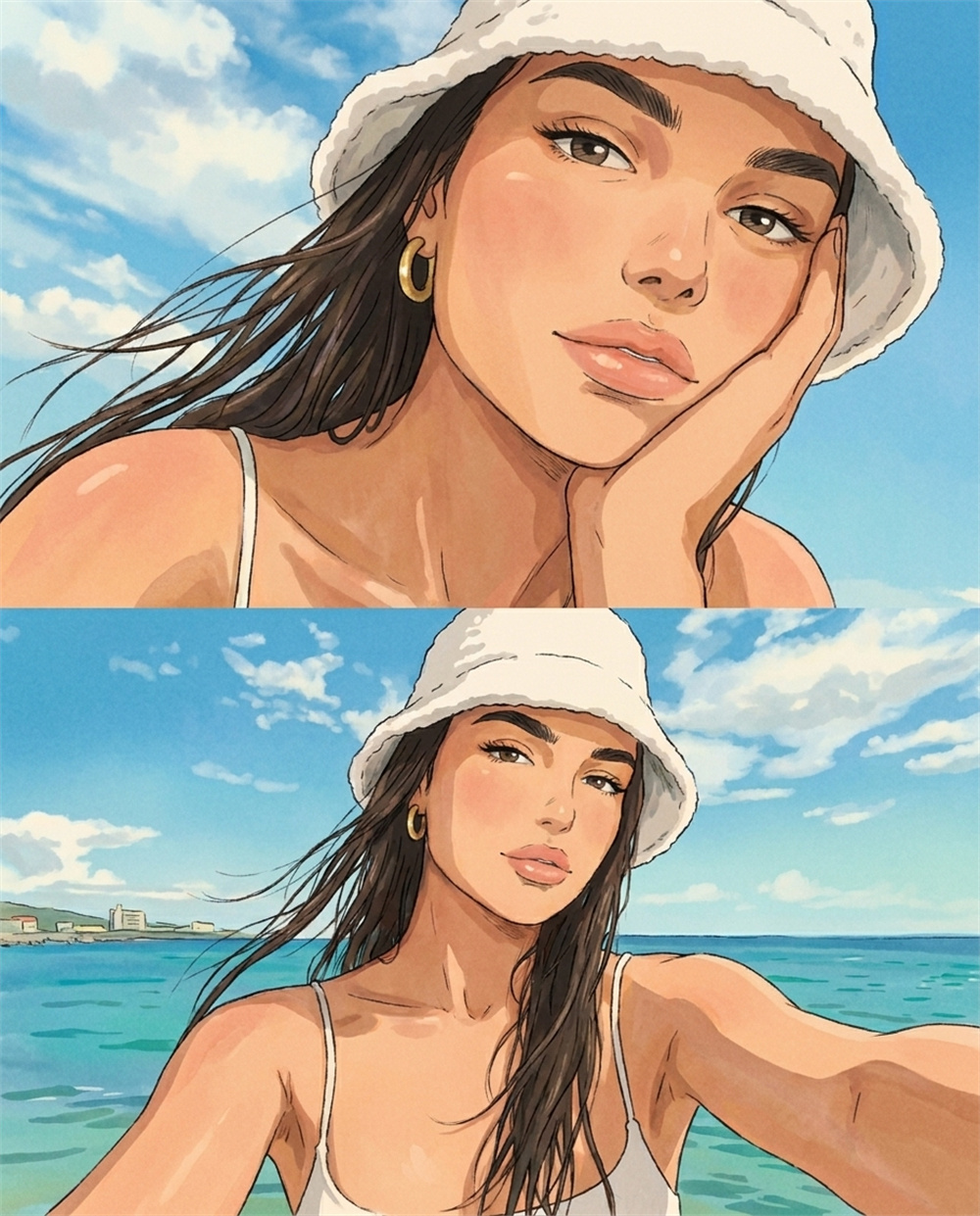
Transform Photos Into Ghibli-Style Art
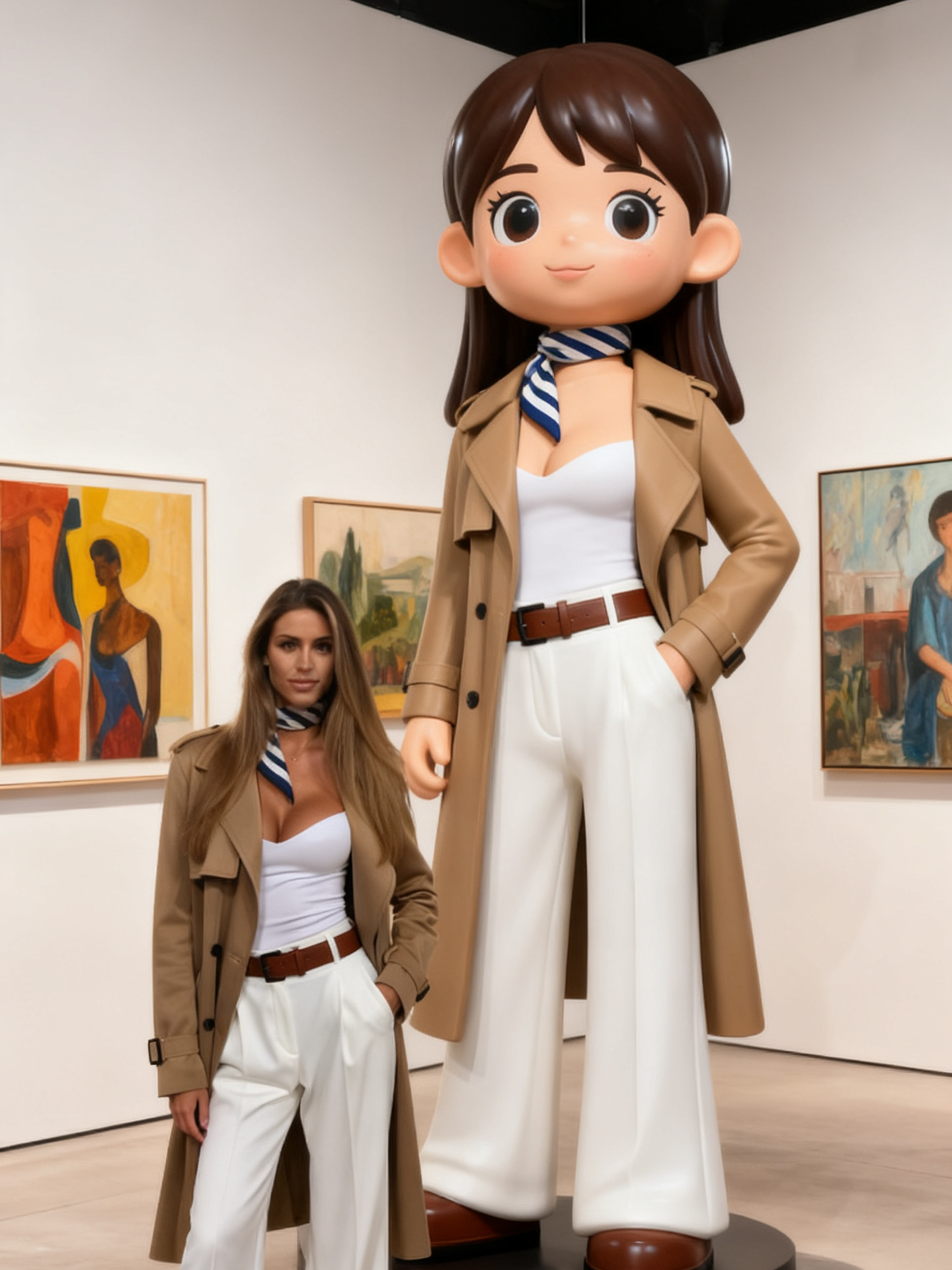
A simple photo can become a warm anime-inspired image with soft color, painterly texture, and a gentle storybook mood. The Ghibli effect helps you create a hand-painted look without drawing skills or complex editing.
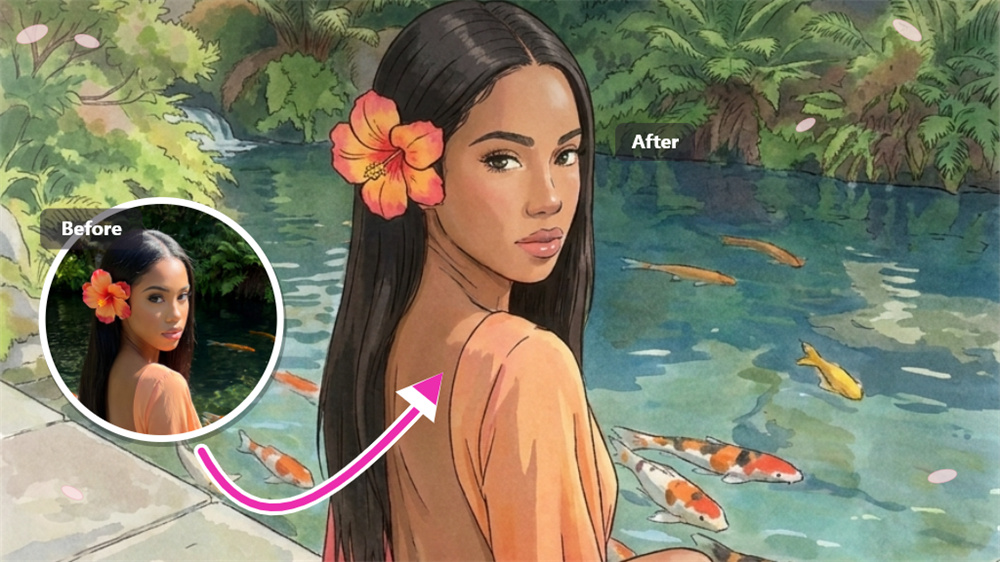
Bring a Dreamy Anime Mood to Your Photo
Turn portraits, pets, rooms, streets, or landscapes into Ghibli-style images with a softer tone and more emotional atmosphere. The result feels less like a basic filter and more like a small illustrated story scene.
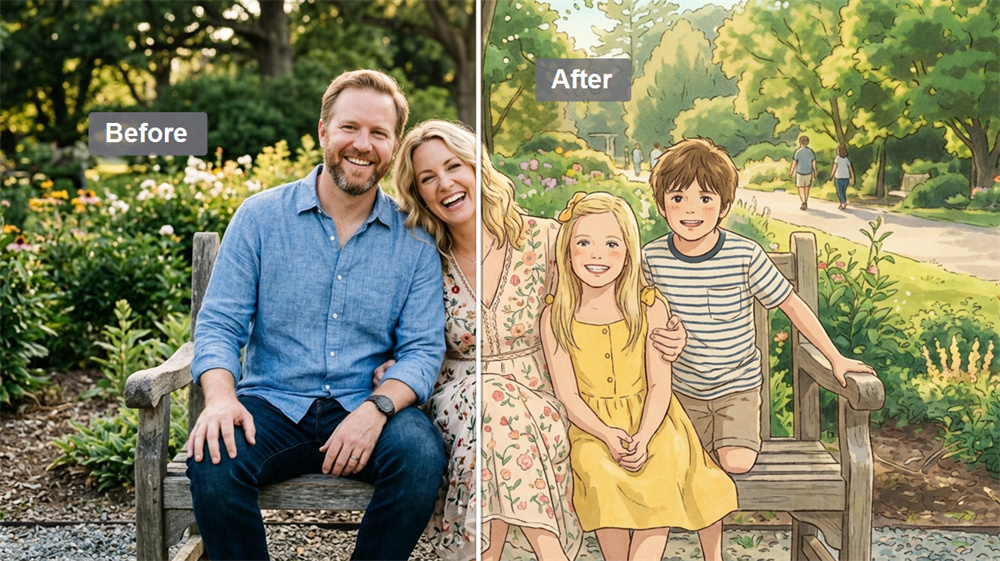
Add a Hand-Painted Film Feeling
Add warmth, soft details, and an anime-inspired visual style to your everyday photos. This effect makes your images feel cinematic, calm, and easier to use for avatars, posts, wallpapers, or creative projects.
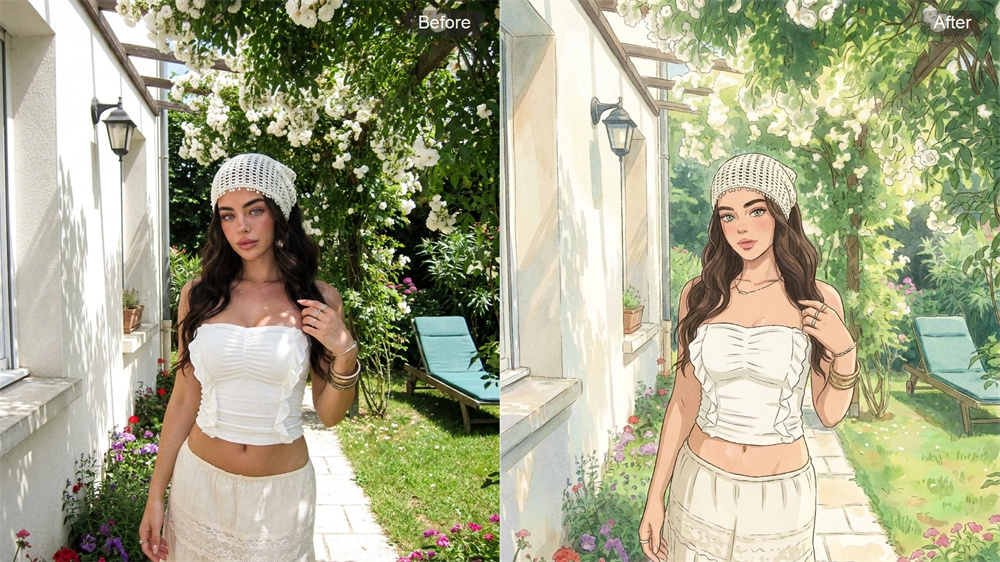
Turn Everyday Photos Into Storybook Scenes
A simple face, cozy room, travel photo, or nature shot can become a charming AI image with nostalgic color and illustrated detail. The Ghibli style makes ordinary visuals feel more expressive and memorable.
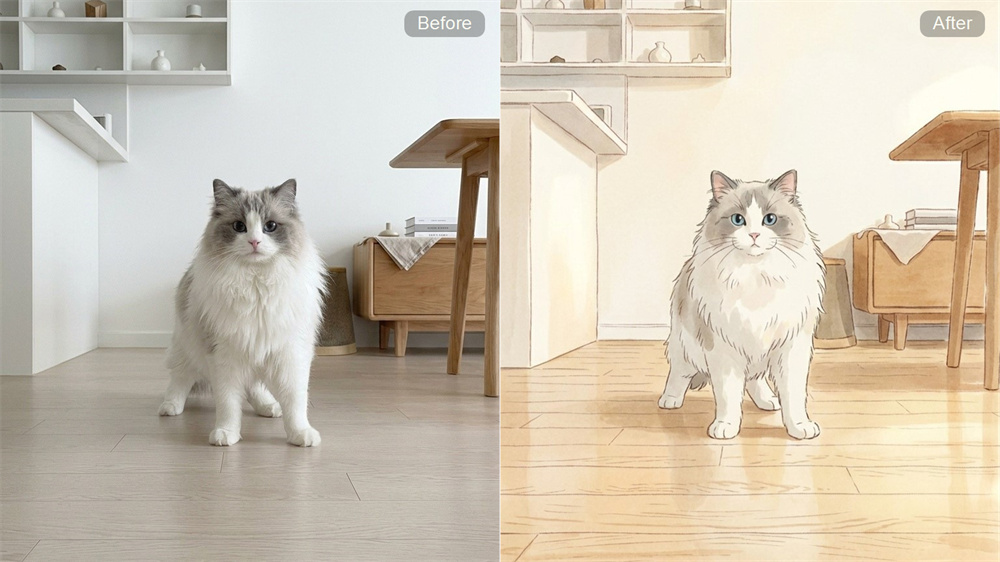
Create Soft Anime Art Without Design Work
Skip manual drawing, complex prompts, and heavy photo editing. Upload an image and let the effect rebuild the look with gentle color, painterly detail, and a finished anime-inspired style.
How to Create a Ghibli-Style AI Image
Upload Your Image
Choose a portrait, pet, room, street, or landscape photo for the Ghibli effect.
Generate the Image
Let AI add soft anime color, painterly detail, and a hand-painted visual style.
Download Your Result
Save your finished Ghibli-style image and use it for avatars, posts, wallpapers, or creative projects.
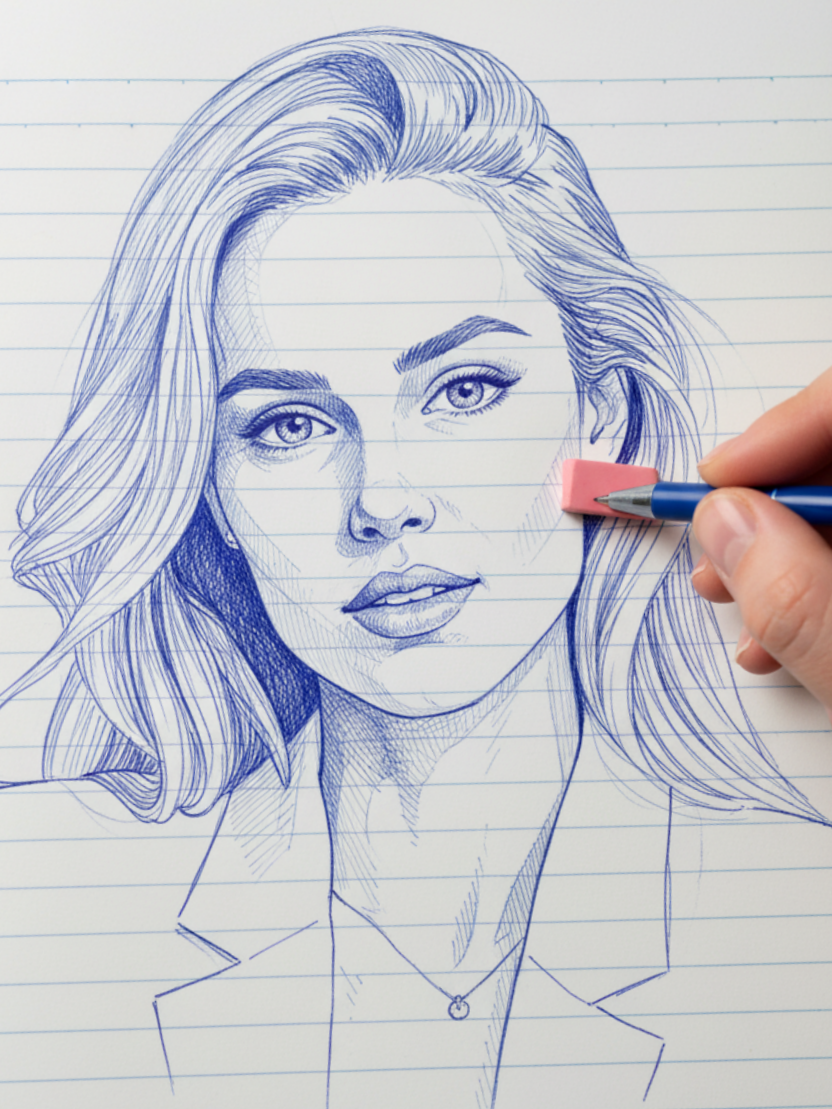
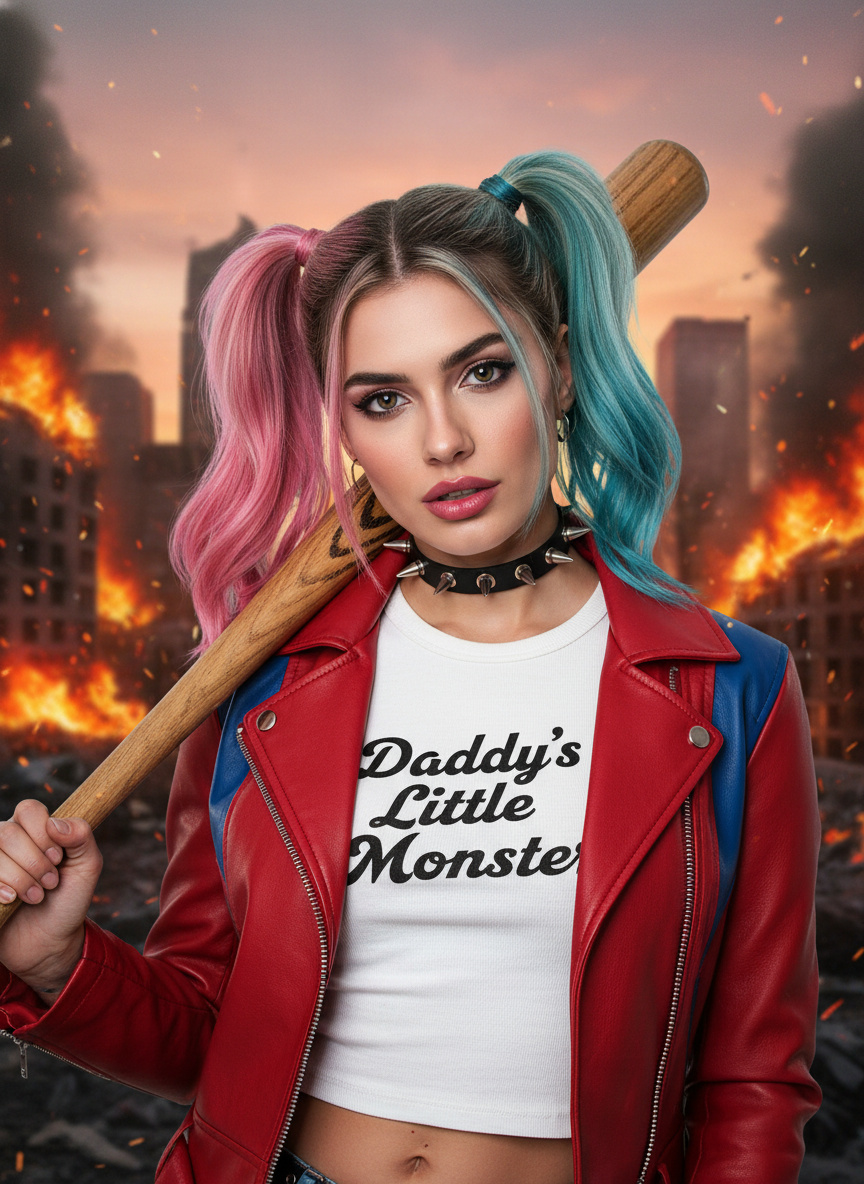
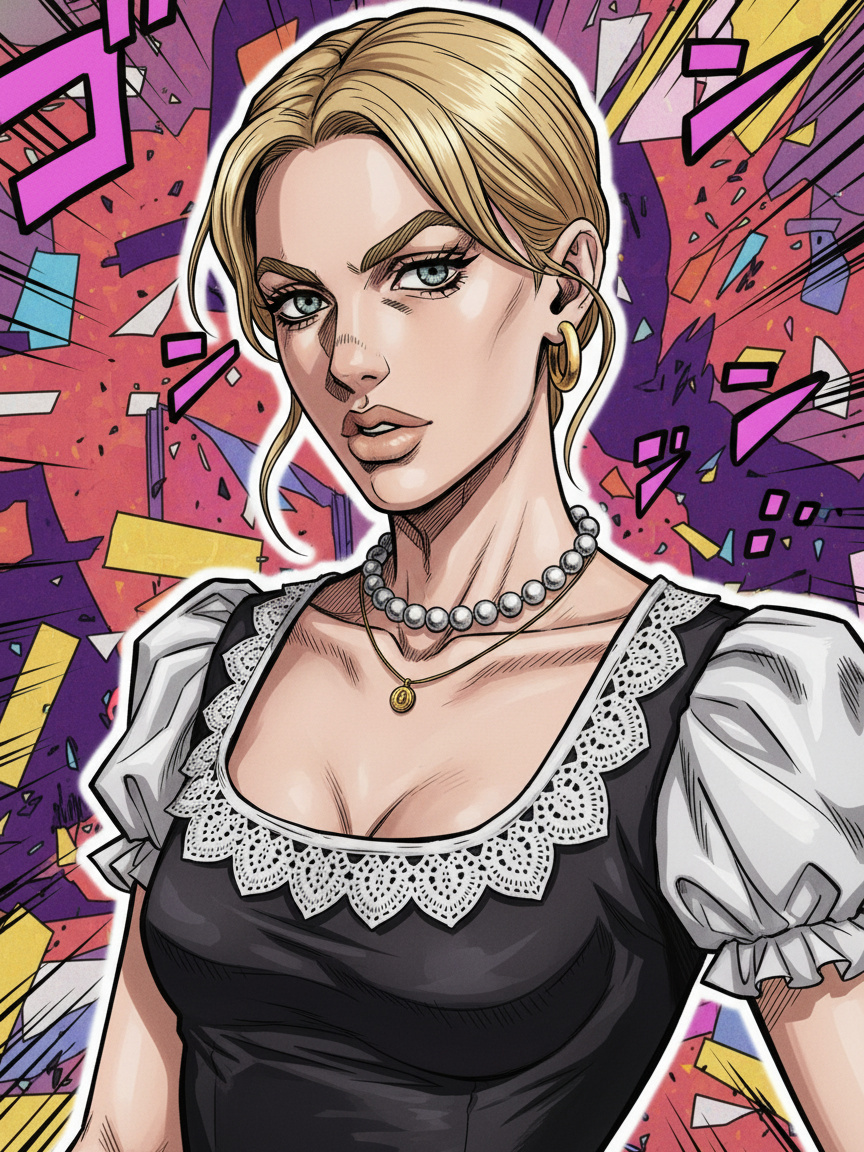
Explore More Dreamy AI Image Effects
FAQ
What does the Ghibli effect create?
The Ghibli effect transforms a regular photo into a soft, anime-inspired AI image featuring warm colors, painterly texture, and a gentle, hand-painted feel. It’s designed for users who want a dreamy, illustrated look rather than a realistic photo edit.
What kind of photo works best for a Ghibli-style image?
Clear portraits, pets, rooms, streets, and landscape photos usually work best. Images with visible subjects, balanced lighting, and simple backgrounds help the AI create a cleaner and more natural anime-style result.
Do I need drawing or editing skills to use it?
No drawing or editing experience is needed. The effect handles the visual style, color, and painted finish, so a regular photo can become a polished Ghibli-style image without manual illustration work. For a related workflow, explore our Image to Video tool.
Can the Ghibli effect make ordinary photos look more cinematic?
Yes. The effect adds a softer story-like atmosphere through warm color, illustrated detail, and a gentle anime-inspired mood. It helps everyday photos feel more emotional, creative, and visually memorable.
Is this a good choice for people, pets, and scenery?
Yes. The Ghibli effect works well for emotional subjects such as faces, pets, cozy spaces, travel photos, and nature scenes. These images give the final result more warmth and make the style feel more expressive.
How can I achieve a better Ghibli-style result?
Use a sharp photo with one clear subject and avoid heavy blur, dark lighting, or crowded details. A clean source image gives the AI more room to create soft color, painterly texture, and a stronger anime-inspired look.
Is Cotor’s Ghibli effect an official Studio Ghibli tool?
No. Cotor's Ghibli effect is an AI image effect inspired by a soft anime and hand-painted visual mood. It is not an official Studio Ghibli product and does not claim any studio partnership.
Can I try the Ghibli AI Generator before making more edits?
Yes. Start with one photo and use the Ghibli AI Generator to preview the image result. After that, you can decide whether the mood, color, and painted style fit the look you want.