

Template
AI Tattoo Generator
Upload an image to start your template-based generation.
Click to upload an image
Supports JPG, PNG, WebP up to 10MB
AI Image
Image to Image
Aspect Ratio
3:4 720*960 General
Resolution
Ultra HD: 2K
Model
Nano Banana Pro
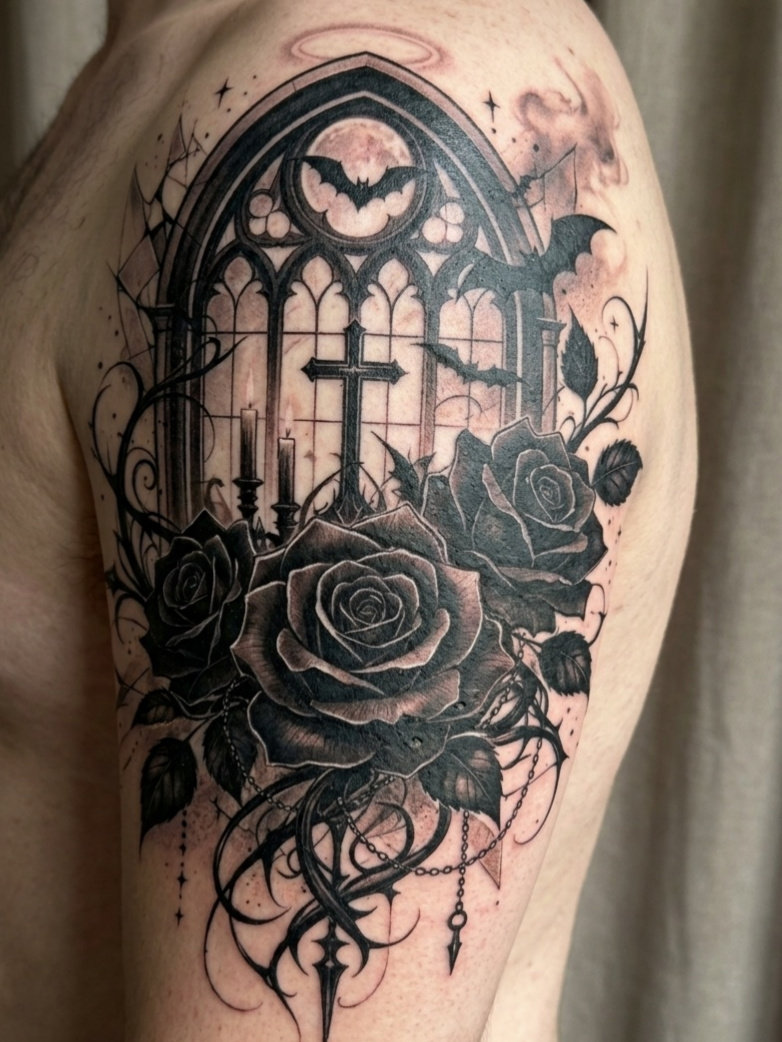
From Rough Idea to a Clear Tattoo Direction in Seconds
Describe the subject, preferred style, and key details to build a focused visual direction. With Cotor, a text description becomes a distinctive tattoo concept, making it easier to compare styles, improve the composition, and prepare a useful reference before committing to permanent ink.
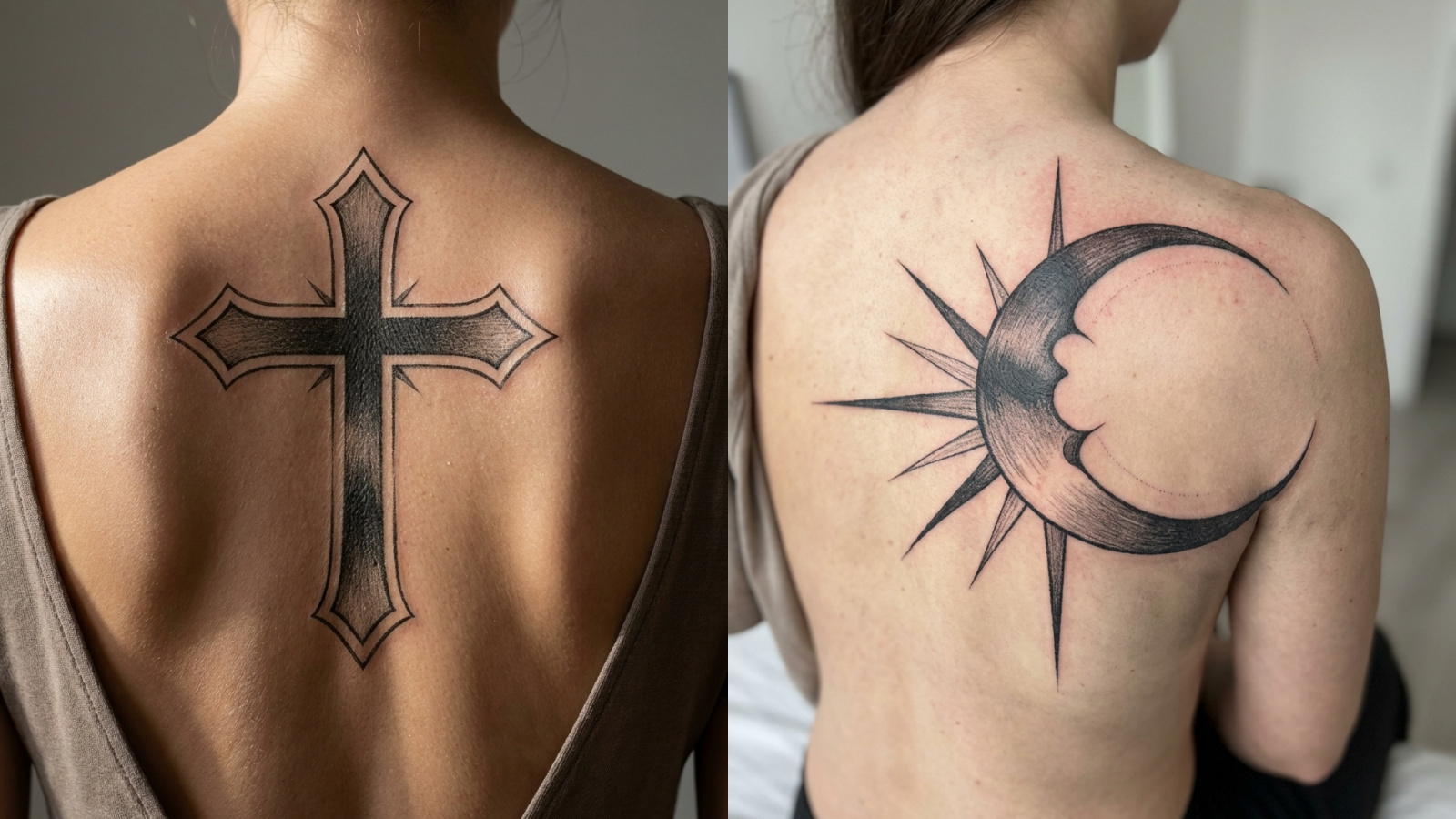
Find the Style That Makes the Design Click
Go beyond vague inspiration by seeing how the same idea can look in fine-line, blackwork, geometric, traditional, and other tattoo styles. Compare distinct visual directions and identify the one worth developing before settling on a final style.
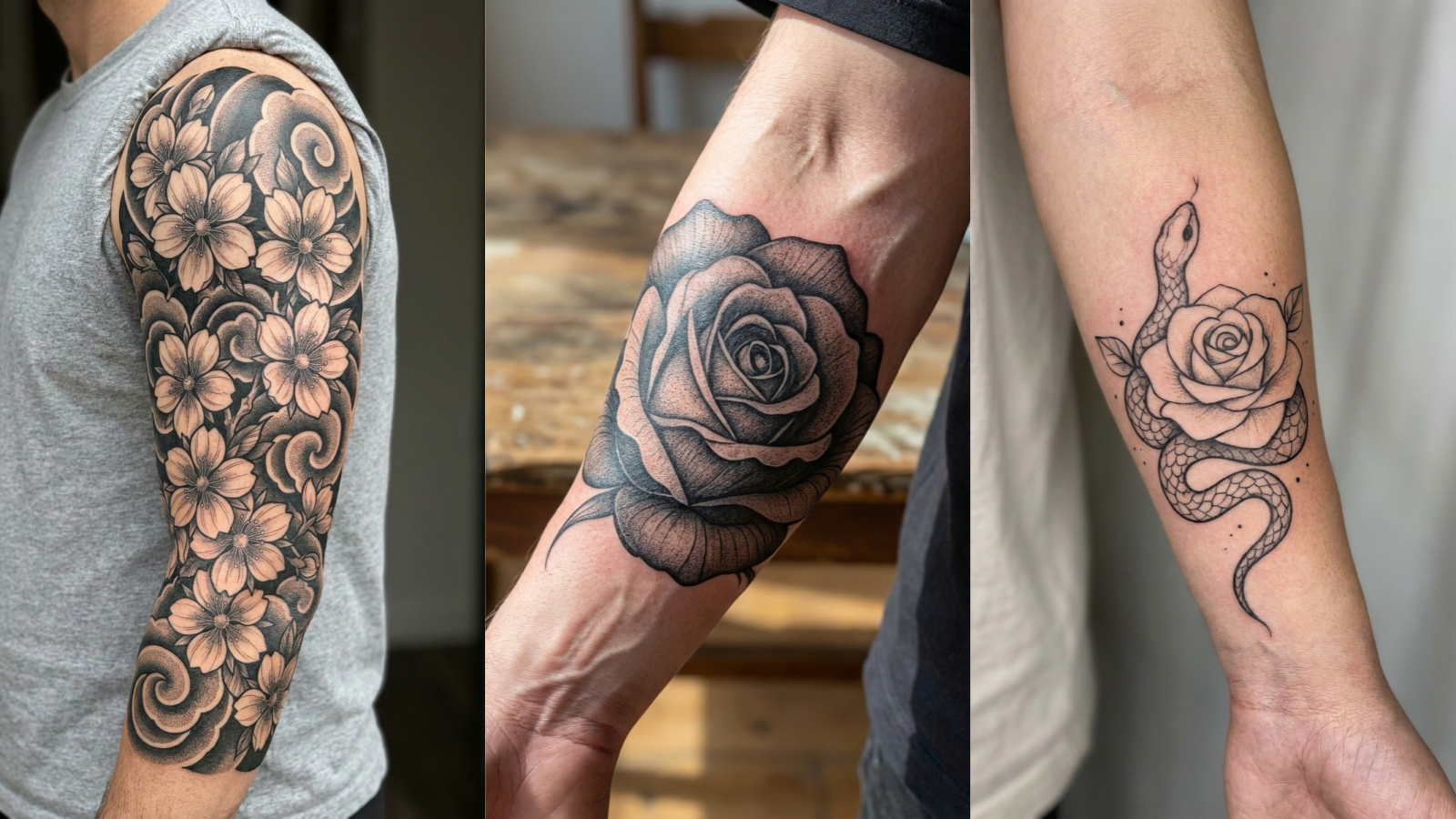
Shape Every Detail Into a Cohesive Tattoo
Turn scattered symbols, themes, and visual preferences into a balanced composition with clear lines and intentional detail. The AI tattoo generator brings each element together so complex ideas feel balanced instead of crowded or disconnected.
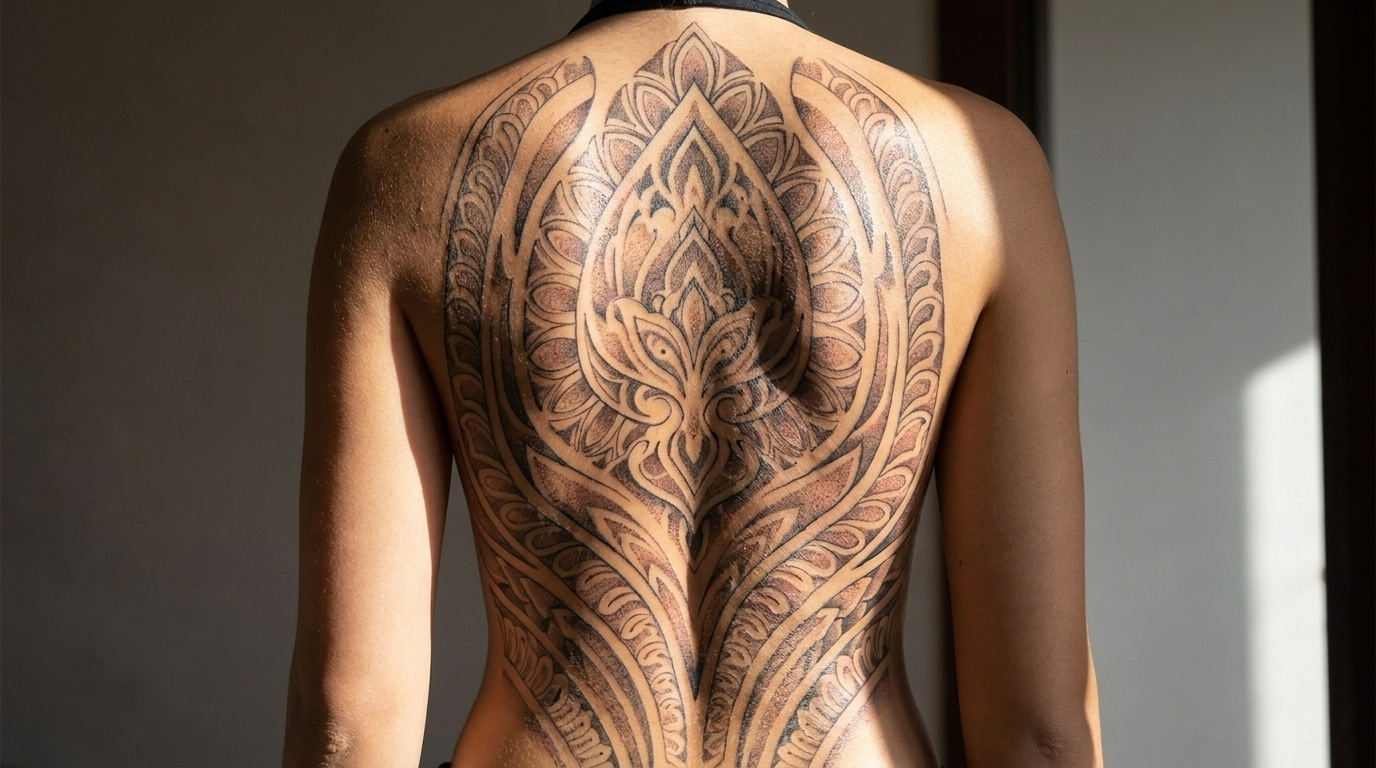
See the Design Before Making It Permanent
Reduce uncertainty around a lasting decision by exploring the overall shape, contrast, and visual impact in advance. Compare tattoo variations, find details that need adjustment, and build a clearer reference before taking the concept into a professional consultation.
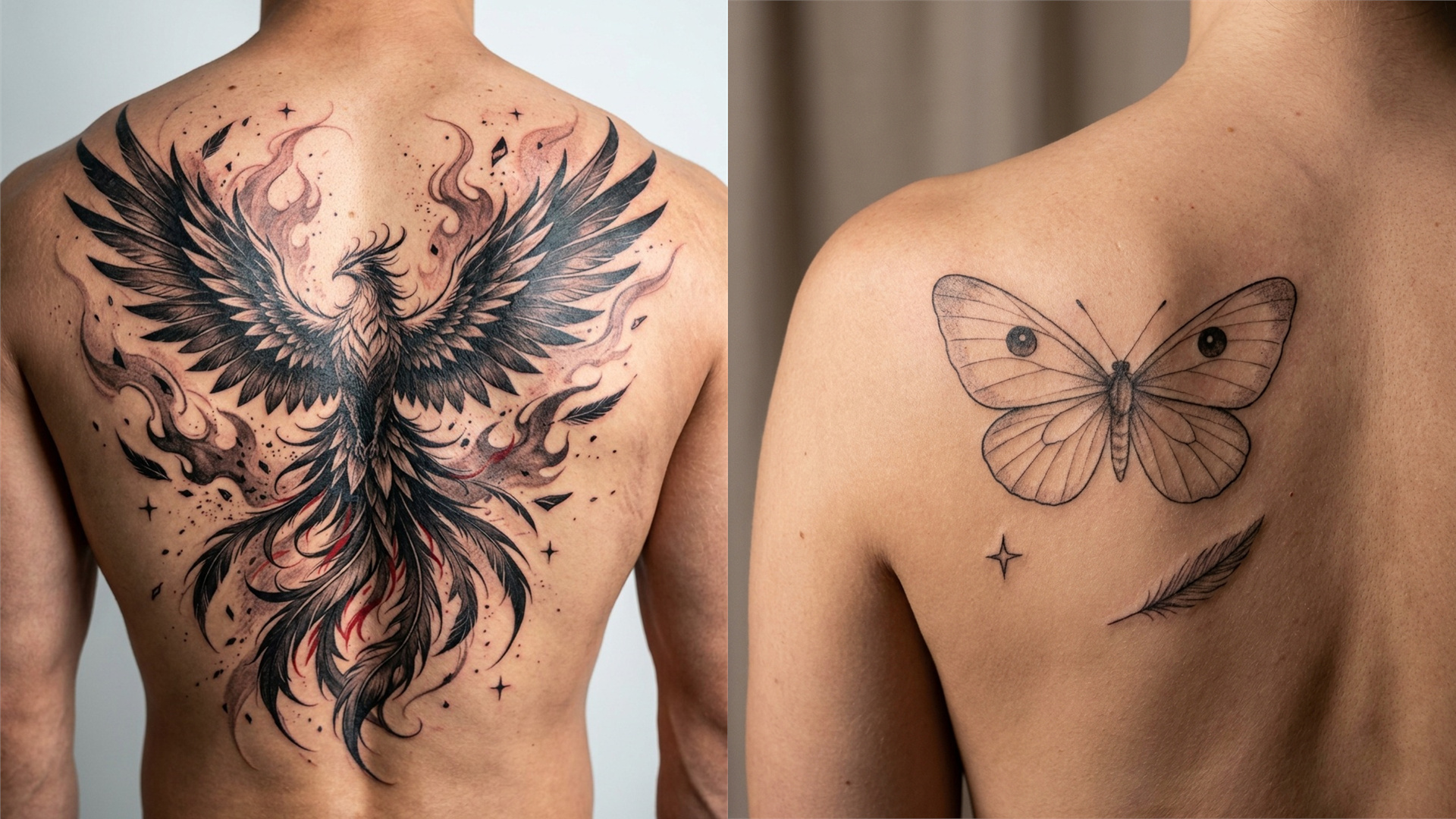
Bring a Clearer Vision to the Tattoo Artist
Replace loose references and difficult explanations with a focused visual starting point. An AI-generated tattoo concept makes the style, layout, and essential details easier to communicate, so the consultation starts with a shared visual reference instead of guesswork.
How to Generate Tattoo Design With Cotor AI
Describe the Tattoo Idea
Enter the subject, style, symbols, or mood to shape the visual direction.
Generate Tattoo Variations
Generate several visual directions from the same tattoo idea.
Choose and Refine the Design
Compare the results, refine key details, and choose the strongest concept.
Explore More AI Design and Image Tools
FAQ
What can I create with the Cotor AI Tattoo Generator?
Create custom tattoo concepts from a simple description, including fine-line, blackwork, geometric, traditional, minimalist, and ornamental designs. Add the subject, mood, symbols, and visual style to turn a loose idea into a focused direction that is easier to compare and refine
Do I need drawing skills to generate a tattoo design?
No drawing or design experience is required. Describe the tattoo concept in everyday language, and Cotor turns it into a visual starting point that is easier to review. This removes the blank-page barrier and makes ideas that are difficult to sketch easier to evaluate.
What should I enter to get a better tattoo result?
Start with the main subject, then add the preferred tattoo style, mood, composition, and essential symbols. Clear visual details produce more focused results. Begin simply, review the first variations, and refine the areas that need stronger lines, better balance, or clearer contrast.
Can I compare multiple styles before choosing a tattoo?
Yes. Keep the central idea and generate it in fine-line, blackwork, geometric, traditional, or minimalist styles. Each version can change the mood, detail, and visual weight of the design, making it easier to identify a direction that still feels right beyond the first impression.
Can I use the generated design with a tattoo artist?
Yes. A generated concept provides the tattoo artist with a clearer reference for the subject, layout, style, and essential details. It can make the consultation more focused, while leaving final decisions about placement, scale, linework, contrast, and skin suitability to the professional artist.
What if the first tattoo design isn't what I imagined?
Refine the result instead of starting over. Simplify crowded elements, clarify the style, strengthen the focal point, or change the linework and shading direction. A few focused variations can make the strongest direction easier to spot. For further image generation and visual refinement, explore the AI Image Generator.
Is the Cotor AI Tattoo Generator free to try?
Cotor offers free credits after account registration, allowing new users to test tattoo ideas and styles before choosing a paid plan. Paid plans are available when more generation credits or advanced options are needed. Actual credit limits and plan features should match the current pricing page.
Why use an AI tattoo generator before getting tattooed?
A tattoo is permanent, but the early design process can stay flexible. Cotor makes it easier to test subjects, styles, compositions, and visual details before making a decision, helping reduce uncertainty and begin the artist consultation with a more confident direction.