


Template
Sprite Sheet Generator
Upload an image to start your template-based generation.
Click to upload an image
Supports JPG, PNG, WebP up to 10MB
AI Image
Image to Image
Aspect Ratio
3:4 720*960 General
Resolution
3Standard Definition: 1K
Model
Nano Banana Pro
Give Your Image a Crisp Retro Pixel Look
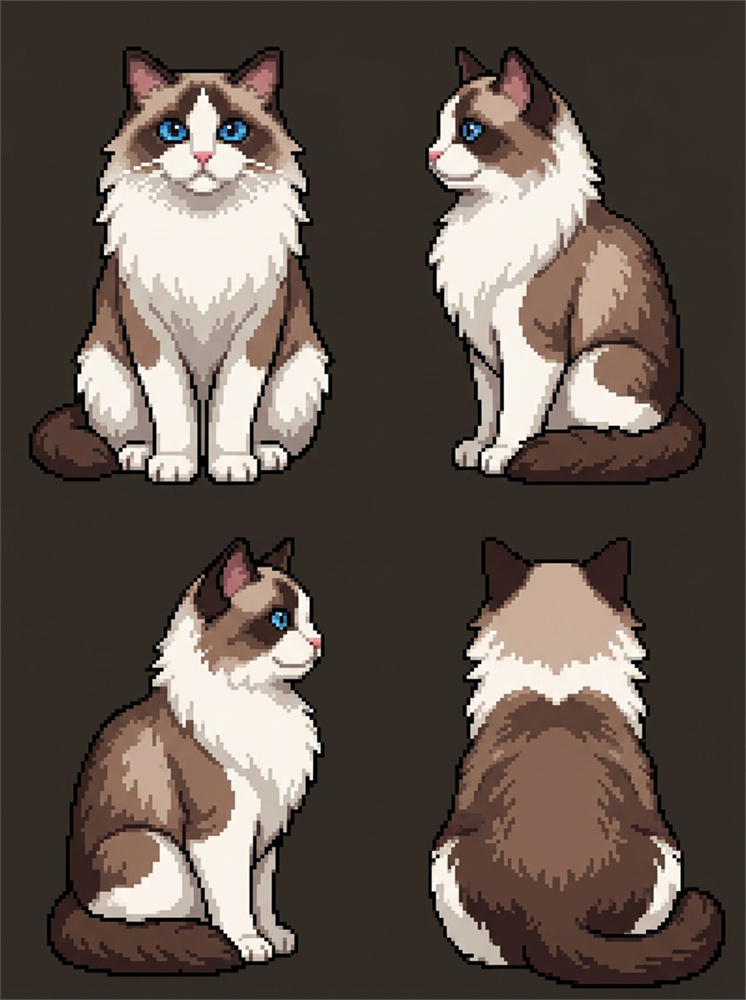
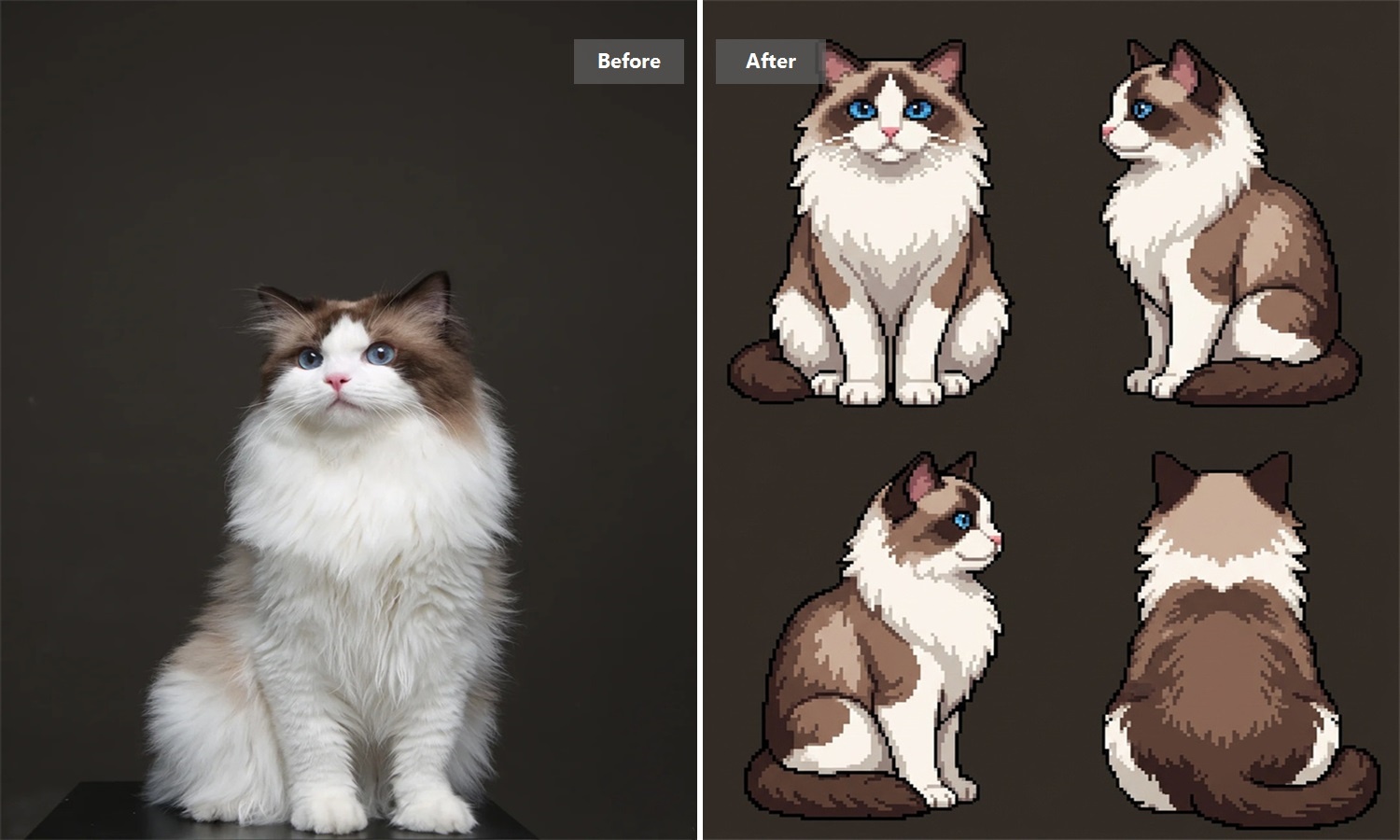
Bring in a photo, illustration, character, or object and give it a fresh pixel art look. Cotor turns familiar images into nostalgic, blocky artwork that feels right at home in avatars, game-inspired visuals, social posts, and creative projects.
Turn an Existing Image Into Pixel Art
Already have an image you like? Use it as your starting point instead of rebuilding the subject pixel by pixel. Give portraits, illustrations, characters, and everyday objects a nostalgic new look while keeping the original idea recognizable and visually engaging.
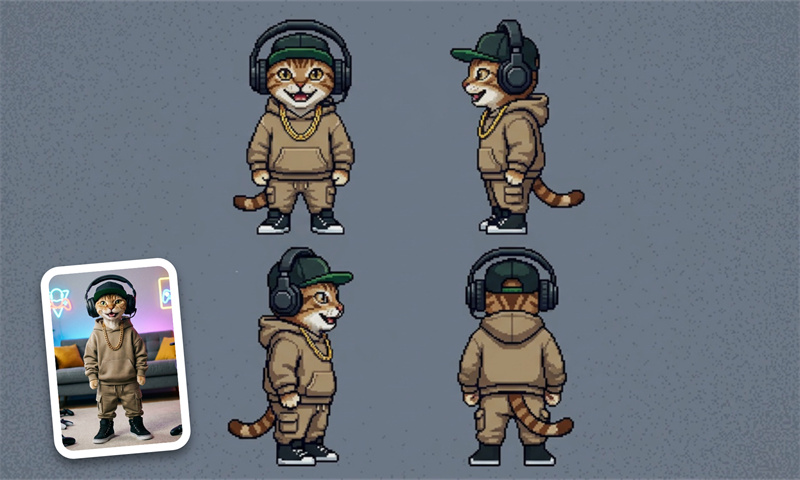
Bring Out a Distinctive Retro Look
Give an ordinary image the charm of classic digital artwork with crisp shapes, simplified details, and a bold pixel-inspired finish. It is an easy way to make familiar visuals feel more playful, nostalgic, and memorable without spending hours drawing them by hand.
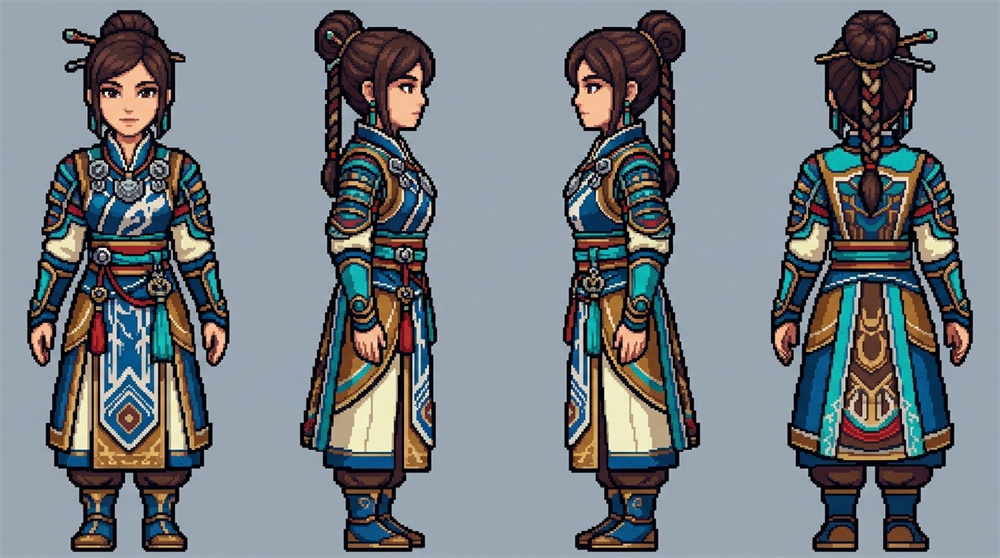
Start with images that read clearly.
Pixel-style artwork tends to work best when the main subject is easy to recognize. Portraits, pets, characters, products, and objects with clear shapes are strong starting points. Busy backgrounds and tiny details can become less prominent, so a simpler composition often creates a stronger visual result.
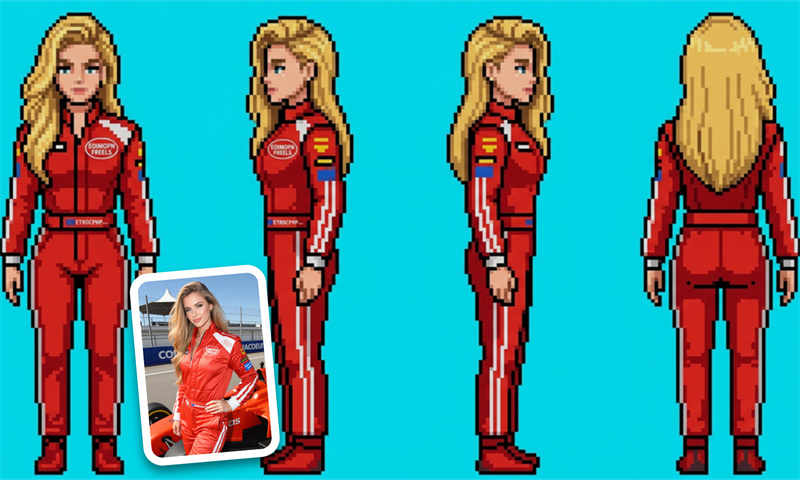
Create Pixel Art for More Than One Project
Turn your result into a retro avatar, character concept, social graphic, sticker idea, or game-inspired visual. A single image can take on a completely different personality in pixel form, making it useful for both quick creative experiments and finished visual content.
How to Generate a Pixel Art Image with Cotor AI
Upload Your Image
Choose a clear character, creature, or object image and upload it to the page.
Start Generating
Click the generate button and wait for the image sequence to finish.
Review and Save
Check the completed frames and save the result you want to continue using.
Explore More AI Tools
What is a sprite sheet generator?
A sprite sheet generator helps create multiple visual frames that can be used together for 2D animation. Instead of preparing every pose as a separate piece of artwork, you can create a collection of related frames for character movement, game scenes, prototypes, and other frame-based projects.
Will the character look exactly the same in every frame?
Not always. The overall character can remain recognizable, but small differences may still appear in areas such as hands, accessories, clothing details, facial features, or proportions.
Can I use the generated sprite sheet in a game?
Yes. The generated frames can be used as source material for 2D games, character animation, prototypes, interactive scenes, and other creative projects. Depending on your engine, you may still need to arrange frames, adjust timing, set pivots, or prepare animation states before using them in gameplay.
Can I create a character if I don’t already have an image?
Yes. You can create the character artwork first and then use the finished image as the source for your sprite sheet. This works well when you are starting with a character idea rather than existing artwork. To continue with related character creation, explore our AI Character Generator.
What is the difference between a character sprite and a sprite sheet?
A character sprite usually represents a single pose or visual state. A sprite sheet contains multiple frames that can be displayed in sequence, making it more suitable for movement, pose changes, and other forms of frame-based animation.
Why use AI-generated sprite frames instead of drawing every frame manually?
The biggest advantage is speed during early creative work. Manual drawing gives you more precise control, while generated frames can help you explore a character in different poses much sooner. They are especially useful for prototypes, concept testing, and deciding which animation ideas are worth refining further.
Is the sprite sheet generator free to use?
Cotor provides daily free credits after account registration, so you can start creating without purchasing a subscription immediately. Additional generation capacity and access to more platform features may require upgrading to a paid plan.