


Template
AI Crochet Pattern Generator
Upload an image to start your template-based generation.
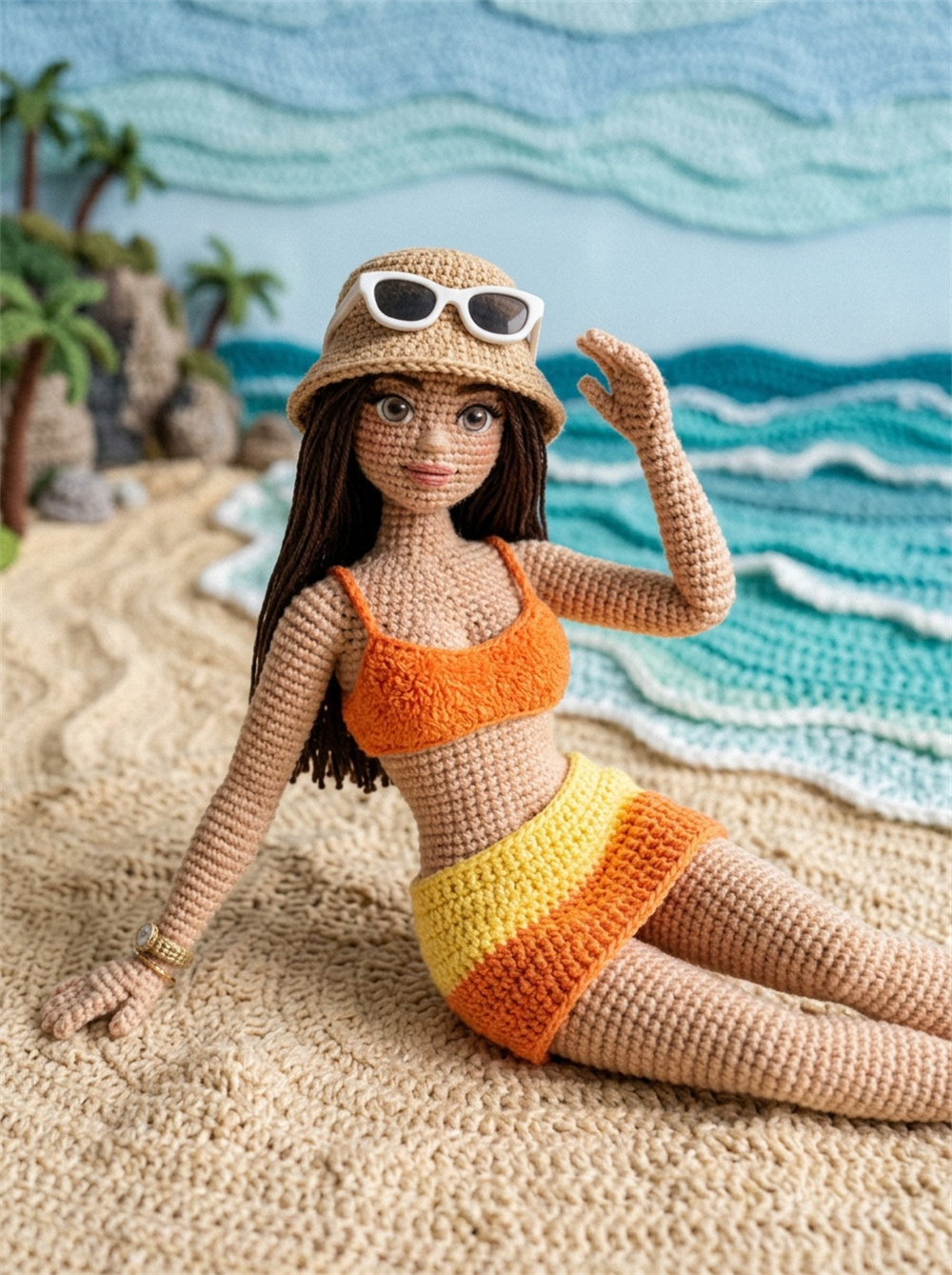
Click to upload an image
Supports JPG, PNG, WebP up to 10MB
AI Image
Image to Image
Aspect Ratio
3:4 720*960 General
Resolution
3Standard Definition: 1K
Model
Nano Banana Pro
Turn Any Image Into a Crochet Creation
Give a favorite photo, character, pet, or illustration a handmade crochet feel in just a few clicks. Watch familiar shapes take on soft yarn textures, stitched details, rounded forms, and the tiny imperfections that make crochet visually charming.
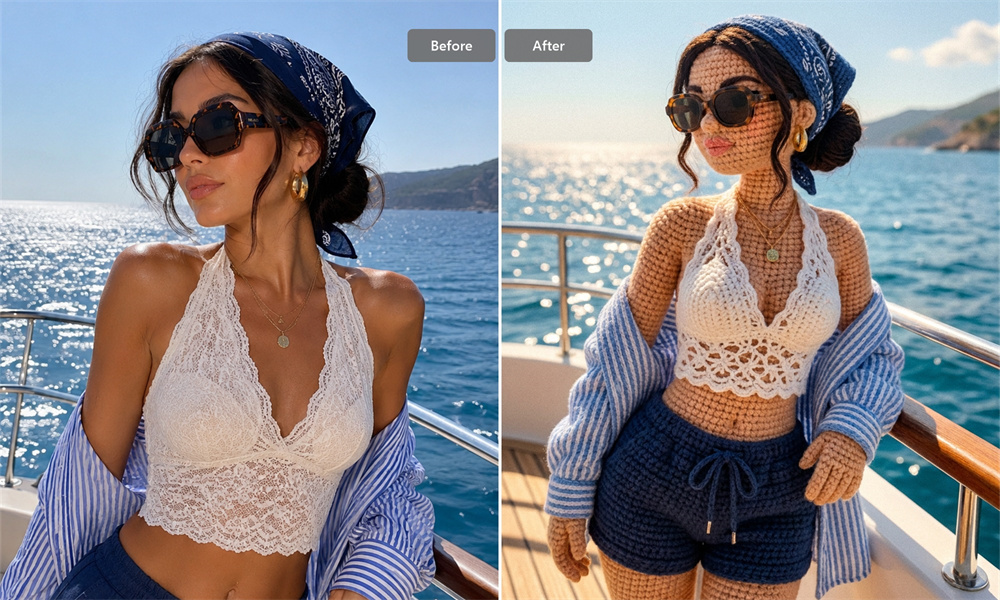
See Photos Take on a Handmade Crochet Look
A flat image can feel completely different once it is interpreted through loops of yarn and stitched texture. Faces become softer, shapes more rounded, and small details take on a playful handmade quality. It is especially useful for pets, characters, cute objects, illustrations, and other subjects with a strong silhouette.
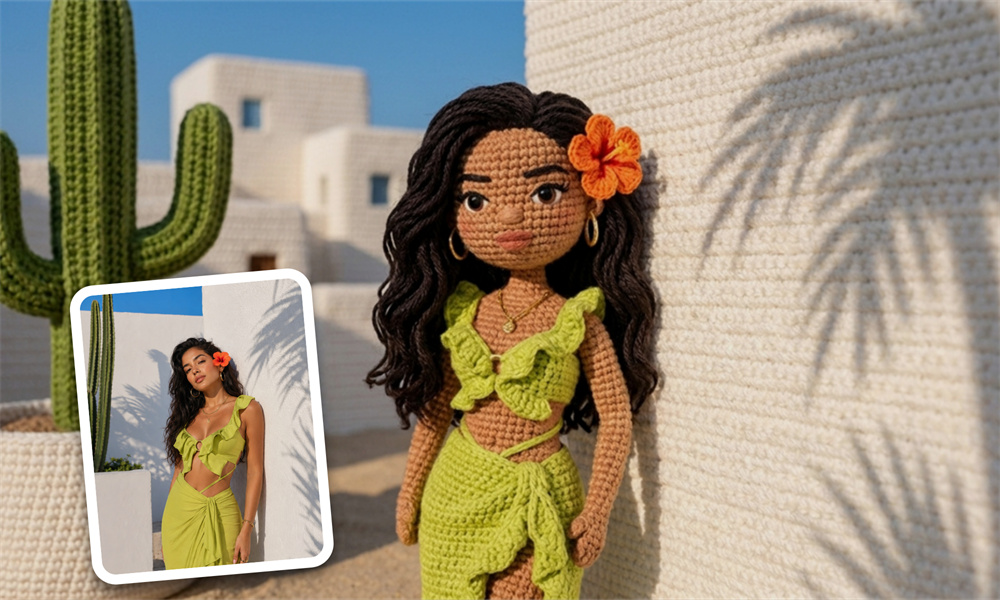
Explore New Ways to Reimagine Familiar Subjects
Sometimes the most interesting crochet ideas already exist in your camera roll. A pet portrait can become an amigurumi-style character, an illustration can feel like a handmade collectible, and an everyday object can turn into something unexpectedly playful. One image can lead to an entirely different creative direction.
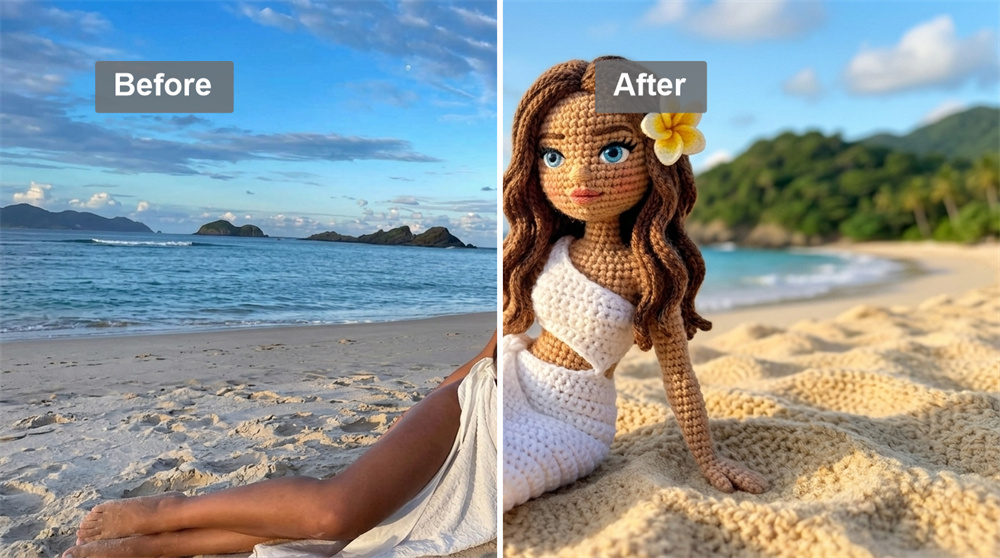
Turn Your Image Into a Crochet Pattern
Start with a photo or artwork you already love and see it reimagined through yarn, stitches, and handcrafted texture. The result keeps the recognizable character of the original image while giving it the warm, tactile look of crochet—making it easy to explore how a familiar subject might translate into fiber art.
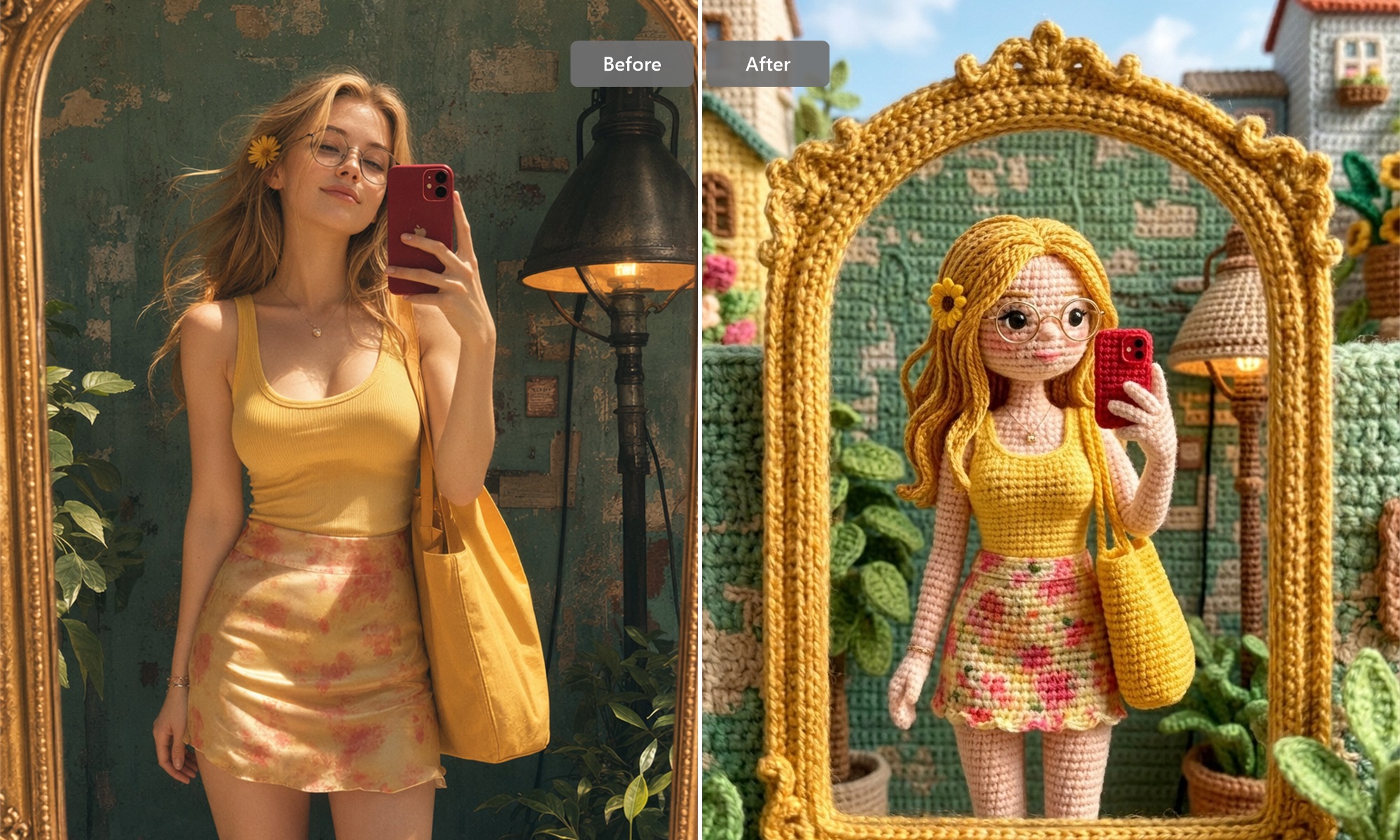
Use the Result as a Crochet Reference
Look closely at the silhouette, proportions, color placement, yarn texture, facial details, and accessories in the generated design. These visual cues can help you shape a clearer crochet concept before moving into construction. For an actual handmade piece, stitch counts, gauge, sizing, and assembly should still be verified separately.
How to Generate Crochet Patterns with Cotor AI
Upload
Choose the image you want to transform.
Generate
Create the crochet-style version.
Review
Check the result and save your favorite.
Explore More AI Craft and Design Generators
Can I turn a photo into a crochet pattern?
Yes. Upload a photo or image and generate a crochet-inspired version that recreates the subject with yarn-like texture, stitched details, and a handmade visual style.
Can I use a pet photo?
Yes. Pet photos are a natural fit for this type of transformation. Distinctive ears, markings, expressions, and body shapes can translate especially well into soft, amigurumi-inspired designs.
Can I use it for amigurumi ideas?
Yes. It is especially useful for exploring character-based ideas where proportions, facial expressions, ears, limbs, clothing, and accessories can completely change the personality of the finished piece.
Can I create other types of AI images?
Yes. This page focuses on crochet-inspired designs, but you may want to explore a wider range of subjects and visual ideas for other creative projects. For more ways to create custom visuals, explore our AI Image Generator.
Does this tool create a written crochet pattern?
The generated result is primarily a visual crochet design rather than a verified written pattern. It should not be assumed to contain tested stitch counts, row-by-row instructions, gauge, yarn requirements, or finished sizing.
Can I try it for free?
Cotor provides registered users with daily free credits that can be used to try AI generation. Additional generations and advanced features may require a paid subscription, depending on your current plan and available credits.
Is it beginner-friendly?
Yes. The process is straightforward and does not require experience with AI tools. Generate a result, review the design, and use the parts you like as inspiration for your next project.
Is an AI-generated crochet image the same as a tested pattern?
No. A realistically looking crochet image does not guarantee that every visible detail can be reproduced stitch for stitch. It is better used for visual exploration, while reliable crochet instructions should be used when gauge, sizing, stitch accuracy, or assembly matters.
Why use a crochet idea generator instead of browsing finished patterns?
It’s helpful when you’re still deciding what you want to make. Exploring a visual idea first can help you identify the shapes, colors, and details you like before you search for a tested pattern that matches your preferred direction.