


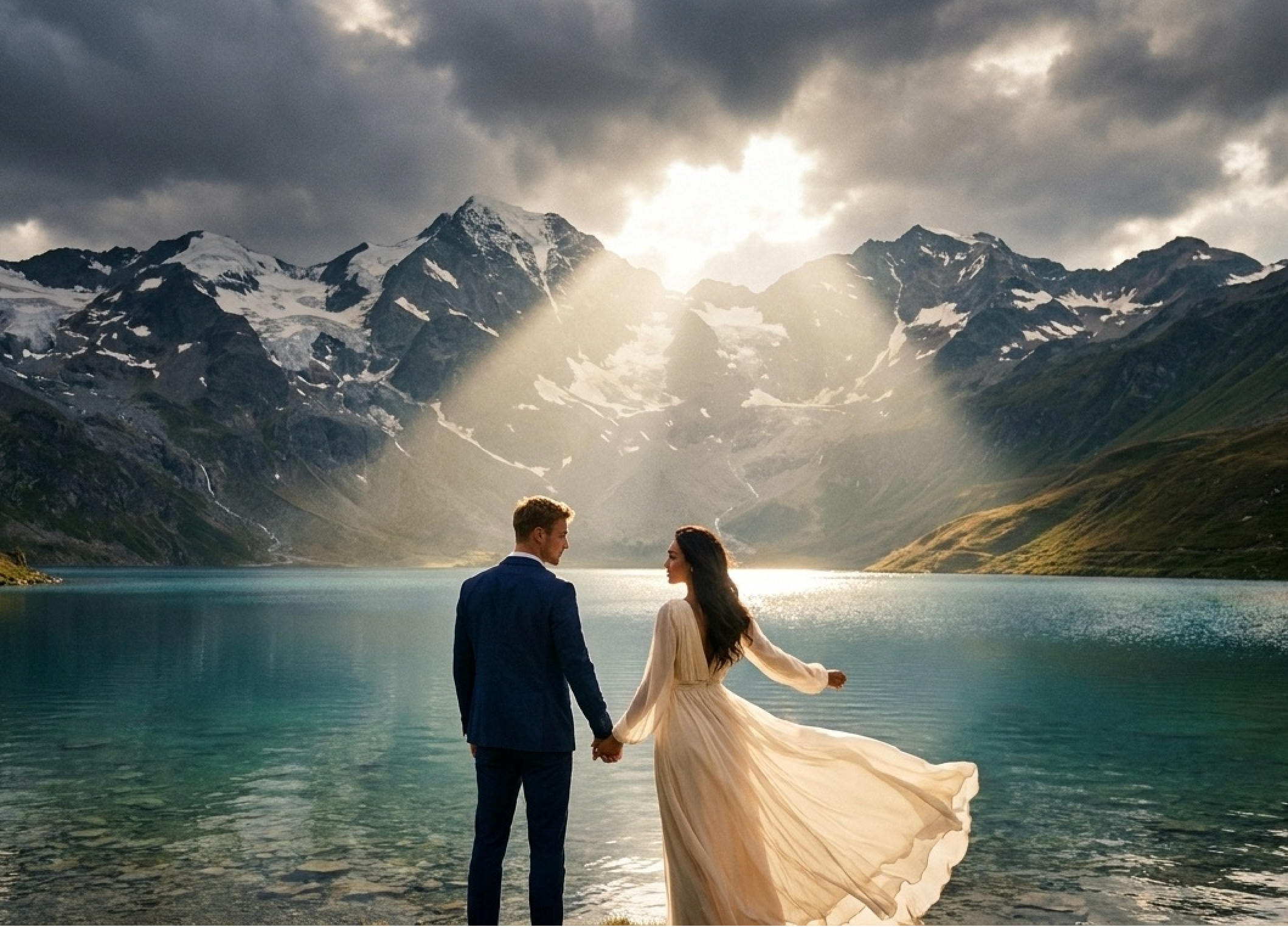
Craft Your Dream Wedding Portrait with Cotor AI: Upload Your Photo, Describe Your Creative Vision
Tired of the same old studio backdrops? Have you ever dreamed of saying "I do" beneath the Eiffel Tower, amidst falling cherry blossoms, or within a dazzling galaxy, only to be held back by real-world limitations? Now, you can truly visualize it all.
This is an inspiration guide co-created by you and the Cotor AI Image Generator. By simply uploading a photo and pairing it with a vivid, descriptive text prompt, you can generate stunning, one-of-a-kind wedding portraits that place you in any romantic scene imaginable.
This isn't just an ordinary filter. It's an AI-powered art co-creation experience, designed just for you.
How It Works: Your Photo × Cotor AI Image to Image Technology
Think of this technology as a digital artist that uses your photo as a reference. You simply provide a clear portrait, and Cotor AI learns the facial features, expressions, and posture of the subject. Then, by describing your imagined scene and atmosphere through a "prompt," the AI blends reality with creativity, naturally "painting" you into the world of your dreams.
The entire creative process takes just three simple steps: prepare your photos, describe your idea, and refine the details.
Step 1: Prepare Your Source Photos (The Foundation)
The higher the photo quality, the better the final result. Please follow these tips:
- Clear faces: Use well-lit, high-definition headshots or full-body shots where both faces are clearly visible. Avoid harsh shadows, heavy filters, or exaggerated expressions.
- Simple backgrounds: Opt for solid-colored walls or clean backgrounds to minimize distractions for the AI and reduce interference.
- Natural poses: Choose natural poses where you're standing close together, looking at each other, or facing the camera. Make sure both people are fully in frame to help generate a stable composition.
- File format: JPG or PNG is recommended. Preparing 2-3 photos from different angles helps the AI learn the subjects' features more accurately.
Step 2: Write Your Creative Prompt (The Magic Spell)
Your prompt is a "creative brief." The more specific and vivid it is, the better the output will be:
- Core action: First, define what you are doing. "Generate a wedding portrait of a couple..."
- Setting & environment: Describe the background and world. "...standing in front of a serene, snow-covered shrine in Kyoto" / "...floating within a vast, shimmering nebula."
- Attire & style: Define the clothing and styling. "...wearing an elegant traditional Chinese qipao and Zhongshan suit" / "...dressed in futuristic silver gowns that ripple with light."
- Lighting & atmosphere: Set the overall mood. "Bathed in the golden warmth of afternoon sunlight filtering through leaves, creating a sense of nostalgic intimacy" / "Illuminated by the aurora's soft glow, conveying a dreamy, epic atmosphere."
- Art style & quality: Specify the visual presentation. "Cinematic still, shallow depth of field, film grain texture" / "Ghibli animation style, soft and bright colors, high-quality rendering."
Practical formula: A wedding portrait of a couple [action], set in [scene], wearing [attire]. Illuminated by [lighting], creating a [atmosphere]. Rendered in [art style], with high-quality, cinematic results.
Creative Inspiration Library: 3 Editable Prompt Themes
Copy these prompts and replace the italicized words to create your own personalized versions.
Timeless Romance Portrait
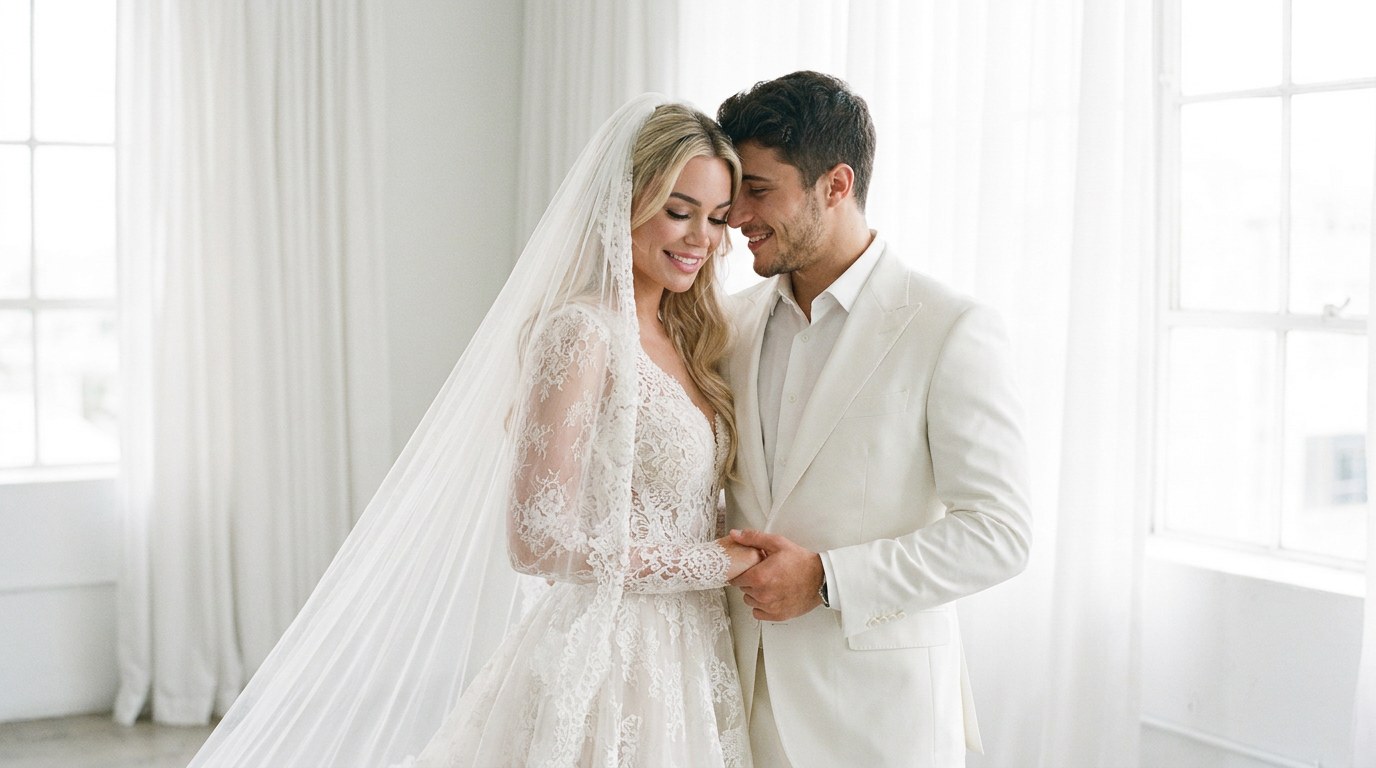
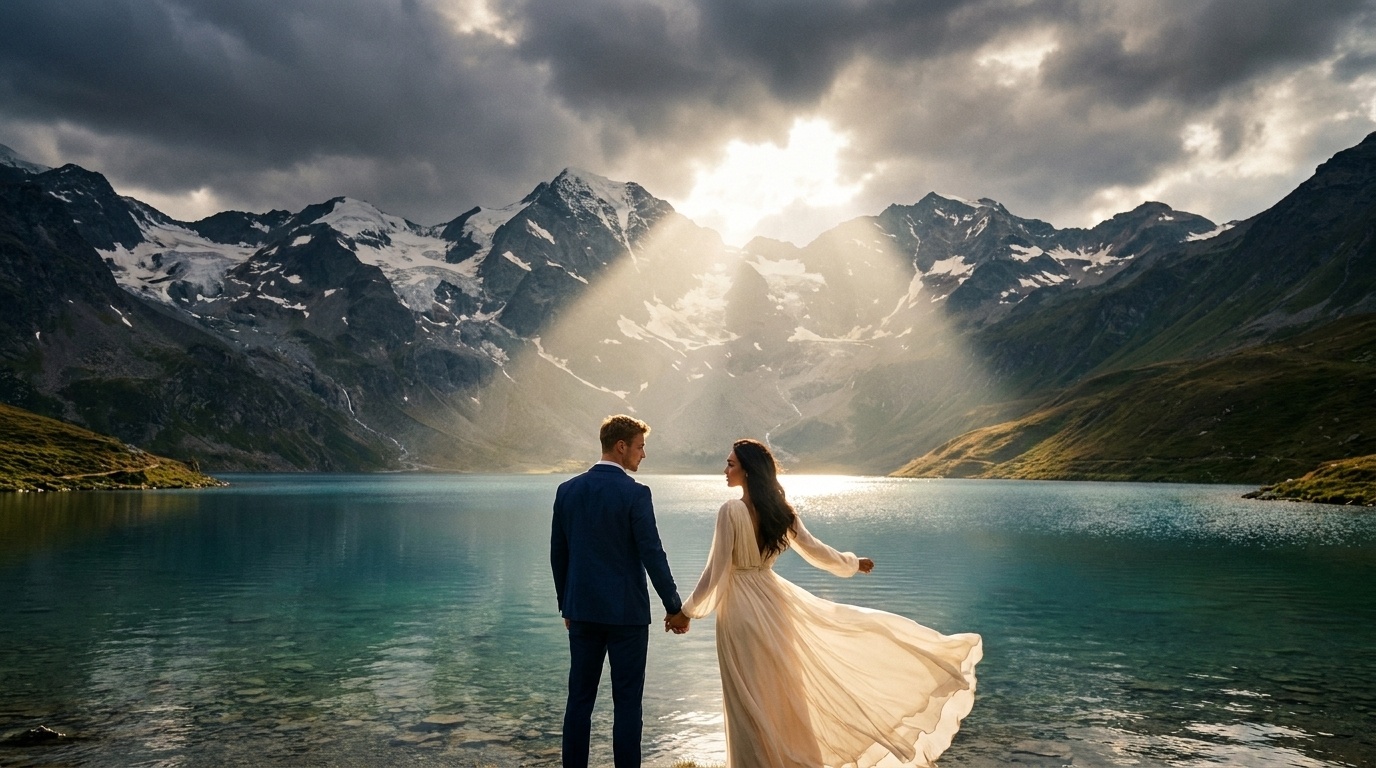
Epic Adventure Scene
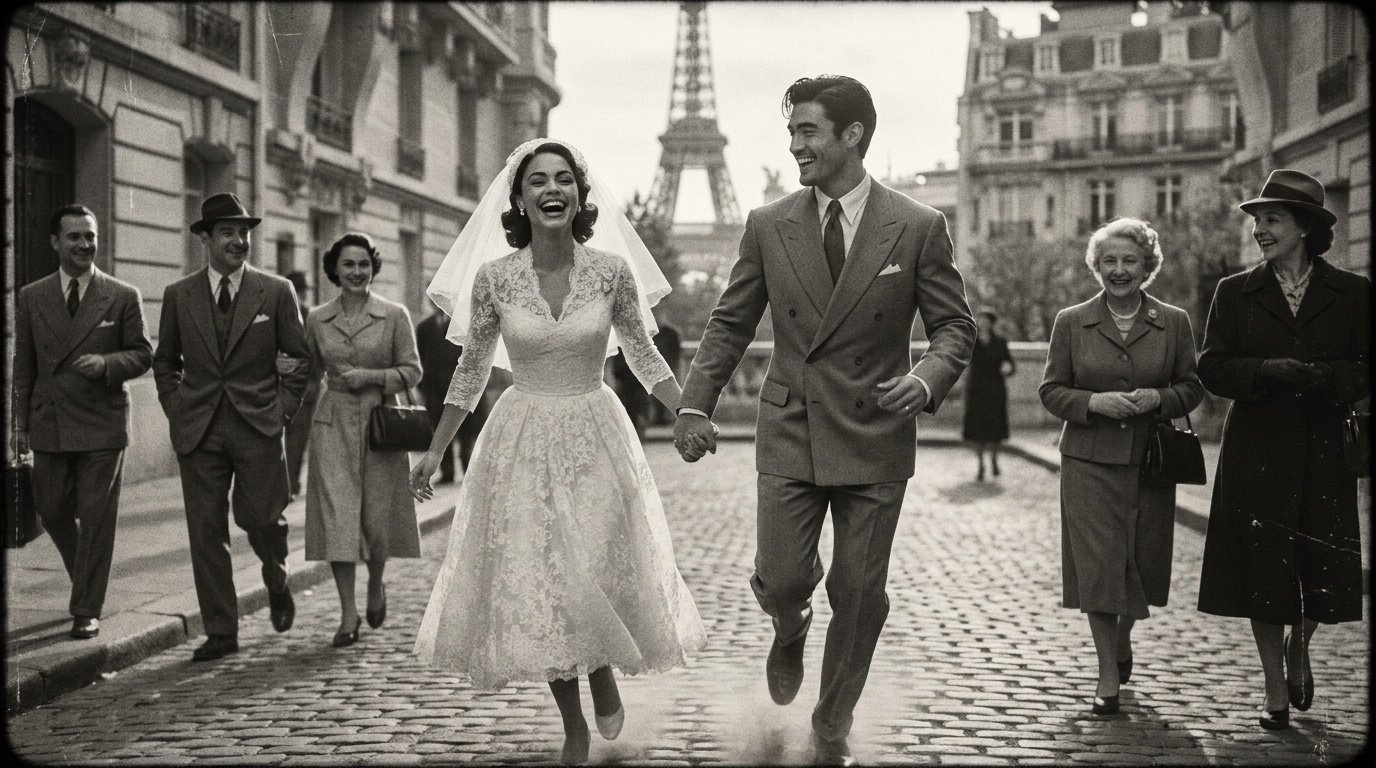
Retro Street Style
Step 3: Generate and Refine the Details
1. First generation: Upload your photos, enter your prompt, and start generating. Think of the initial result as just the starting point of your creation.
2. Refinement & optimization: This is the key step. Continuously adjust your prompt based on the results.
If it doesn't look like you: Strengthen the likeness by adding phrases like "strictly preserve the facial features and hairstyle from the original photo." If the setting is off: Adjust your keywords, for example, swap "castle" for "a cozy cottage in the woods." If the style doesn't match: Add a style reference, such as "in the photography style of Annie Leibovitz" or "with an oil painting brushstroke texture."
3. Ethics & usage guidelines: These works are AI-assisted digital art. It's recommended to acknowledge the AI creation when sharing. They are suitable for inspiration design, wedding conceptualization, invitations, or personalized keepsakes. They cannot replace professional photography but serve as an excellent creative supplement and visual expression tool.