


Template
Y2K Fisheye Filter
Upload an image to start your template-based generation.
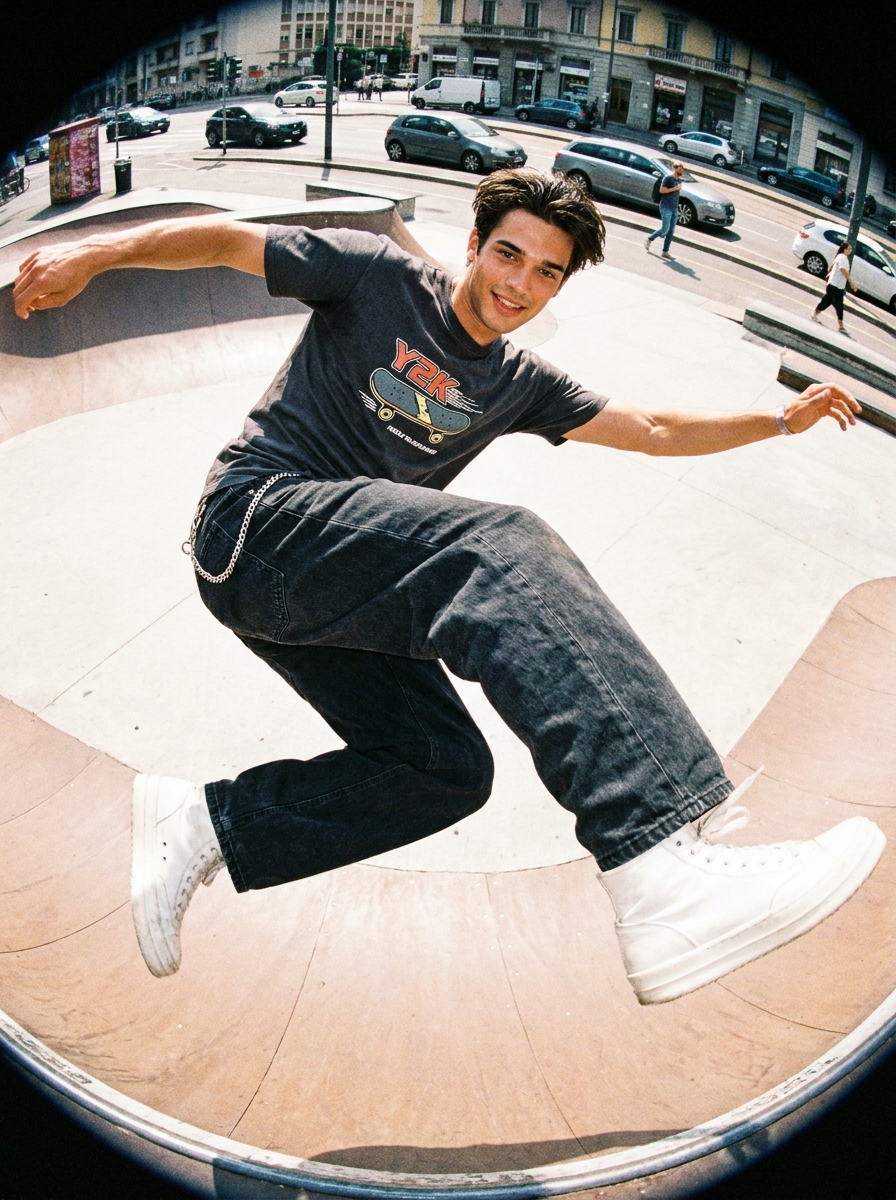
Click to upload an image
Supports JPG, PNG, WebP up to 10MB
AI Image
Image to Image
Aspect Ratio
3:4 720*960 General
Resolution
3Standard Definition: 1K
Model
Nano Banana Pro
Create the Iconic Y2K Camera Look With a Fisheye Lens Style
Turn everyday photos into a Y2K-inspired fisheye look with curved lens perspective, flash-style details, and early digital camera atmosphere. Create a retro portrait style without complex editing.
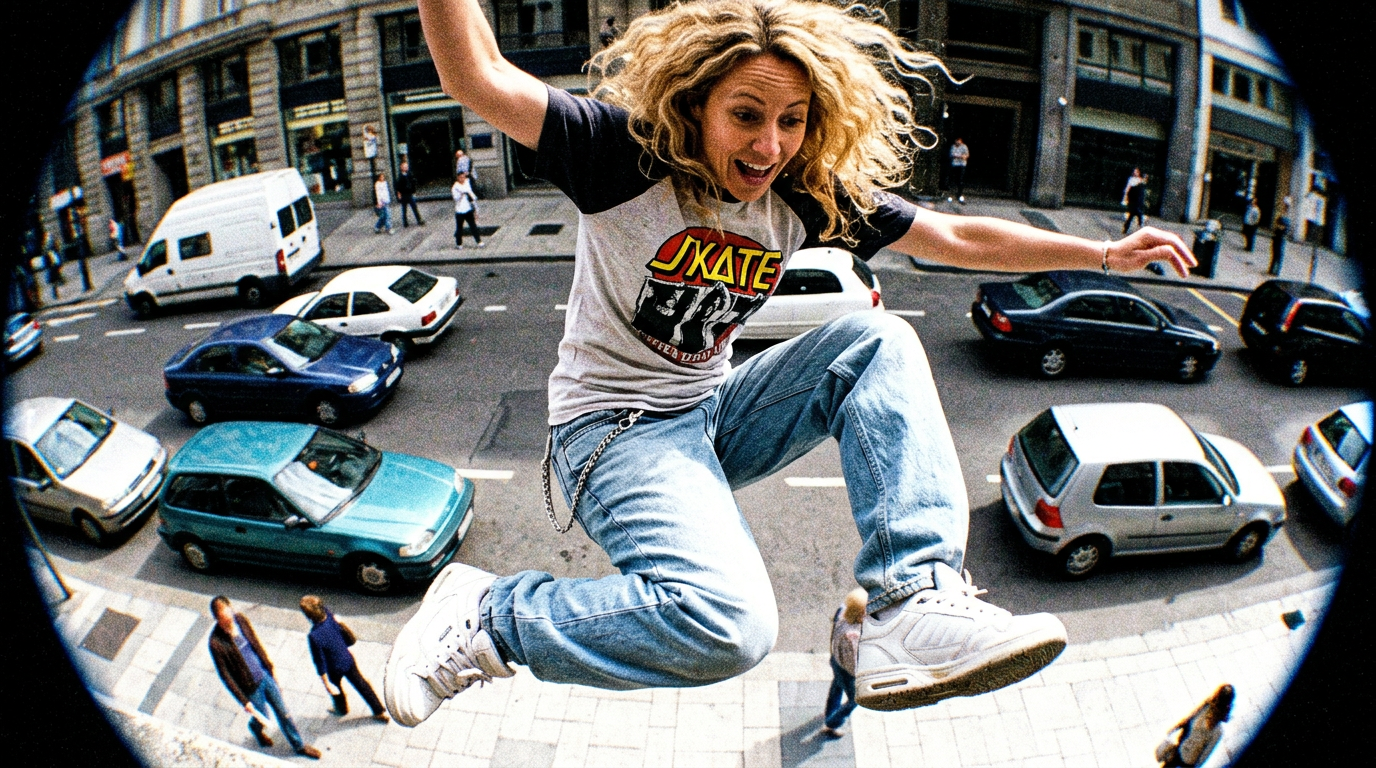
Bring Back the Early 2000s Camera Aesthetic
Recapture the nostalgic vibe of early digital cameras with a Y2K-style fisheye lens. Add flash-inspired lighting, curved lens details, and a retro photographic atmosphere that feels straight out of the 2000s.
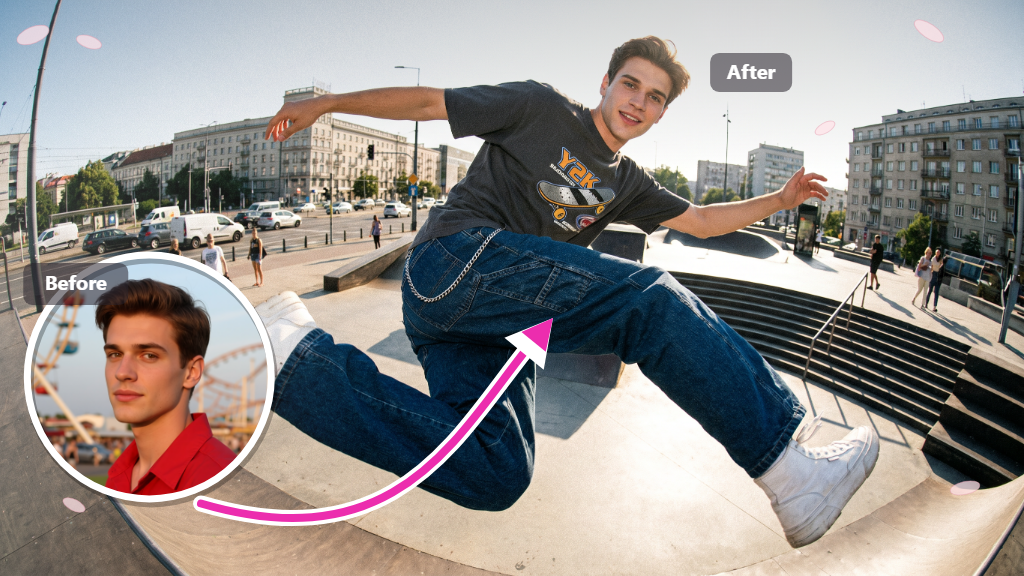
Add the Signature Fisheye Lens Perspective
Give photos the dramatic look of a fisheye camera with curved perspectives and close-up lens distortion. The y2k fisheye style creates a more immersive and eye-catching visual effect.
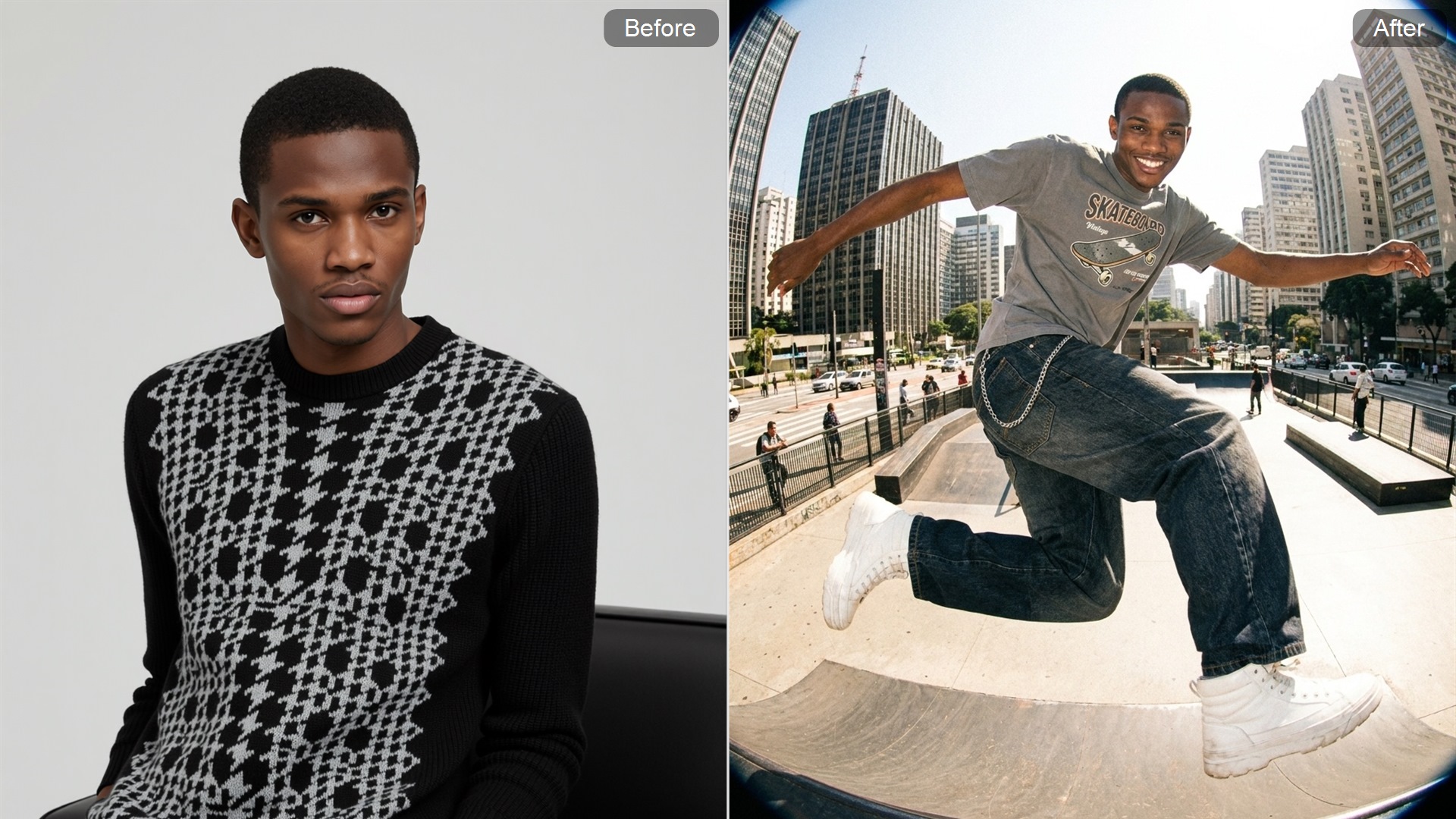
Mix Retro Digital Style With a Futuristic Y2K Look
Combine early 2000s digital aesthetics with futuristic Y2K details. From metallic tones to digital textures, the effect creates a unique balance between nostalgic camera styles and modern visual trends.
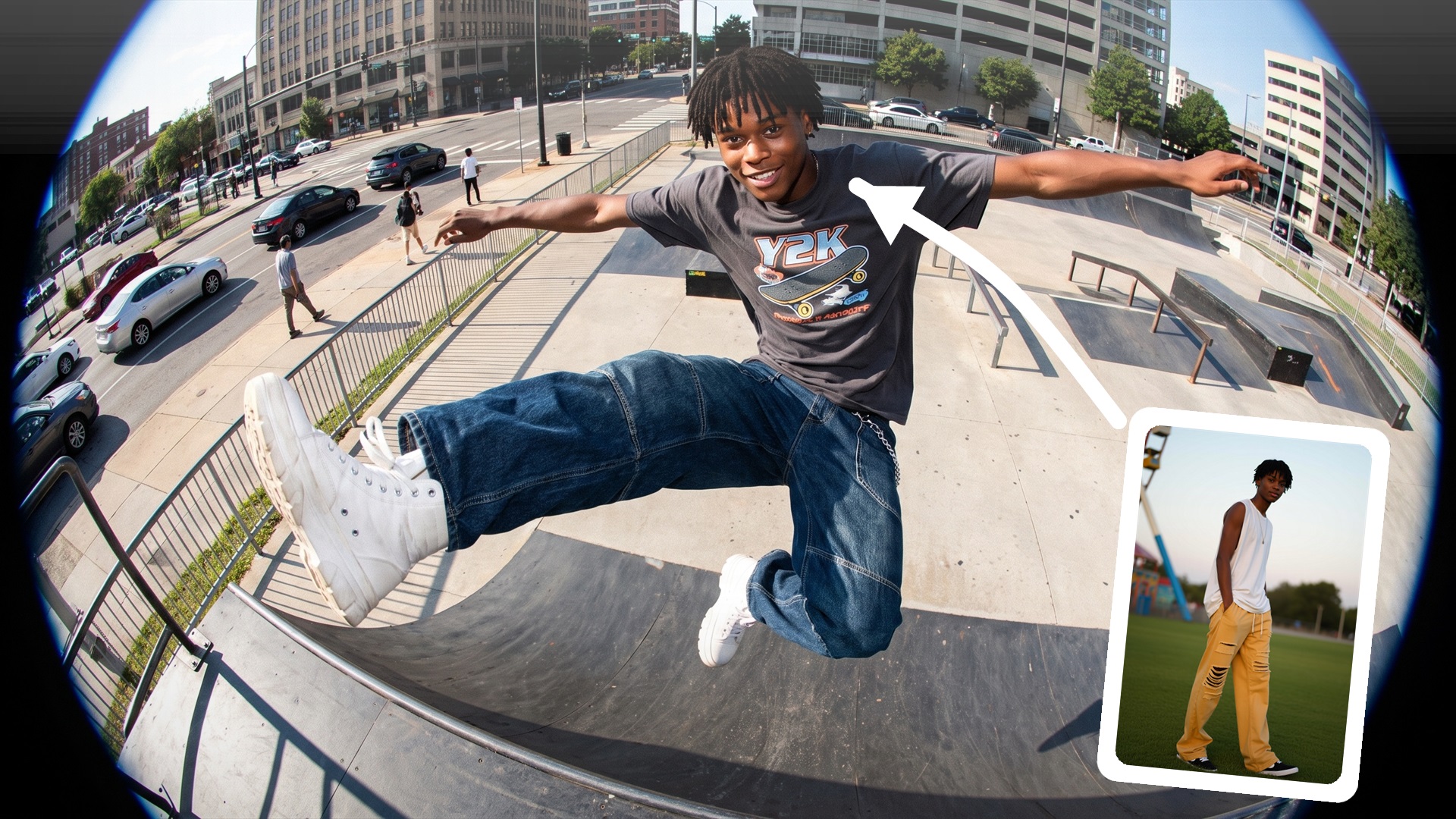
Create a Vintage Fisheye Look Without Complex Editing
Achieve a camera-inspired y2k fisheye appearance with simple AI styling. Create curved lens effects and retro photo details without adjusting camera settings or using advanced editing tools.
How to Generate Y2K Fisheye Photos With Cotor AI
Upload a Portrait Photo
Choose a clear image to start creating a retro fisheye look.
Apply the Y2K Fisheye Style
Generate a curved lens effect with a nostalgic digital camera feel.
Get the Finished Photo
Download your transformed image with a classic Y2K camera style.
Explore More AI Tools
FAQ
What makes the Y2K fisheye style different from a regular photo filter?
The style recreates the feeling of early digital cameras with curved lens perspective, flash-like details, and nostalgic color tones. It creates a more dramatic camera-inspired look instead of a simple color adjustment.
Can I turn a normal selfie into a retro fisheye photo?
Yes. Clear selfies and portrait images can be transformed into a retro wide-angle look with stronger perspective and vintage camera details, creating a unique early 2000s-inspired appearance.
Which photos work best for this AI effect?
Photos with a clear subject, close framing, and good lighting usually produce better results. Portraits and selfies are especially suitable because the fisheye perspective enhances facial depth and camera-style distortion.
Do I need editing skills to create this camera effect?
No advanced editing experience is needed. The AI applies the visual style automatically, allowing anyone to create a fisheye-inspired photo without adjusting lenses, filters, or professional editing settings. If you want to explore more AI-powered photo transformations, you can also try our Image to Image feature for additional style changes.
Will the final image look like a real fisheye camera shot?
The effect is designed to capture the visual characteristics of fisheye photography, including curved perspective and wide-angle distortion. Results can vary depending on the original photo composition and quality.
How can I make the retro camera effect stand out more?
Using images with a visible subject, interesting angles, and enough lighting can help highlight the lens distortion and vintage atmosphere. Closer portraits often create a stronger fisheye appearance.
Can this style be used for photos beyond portraits?
Yes. Besides portraits, it can also add a retro camera feel to fashion images, lifestyle photos, and other compositions where a wide-angle perspective enhances the overall look.
Is it easy to create a Y2K fisheye photo online?
Yes. The process is simple and does not require manual adjustments. Choose an image, generate the effect, and create a retro-inspired photo with an AI-powered workflow.